FoliMesh

Trees for Unreal Engine

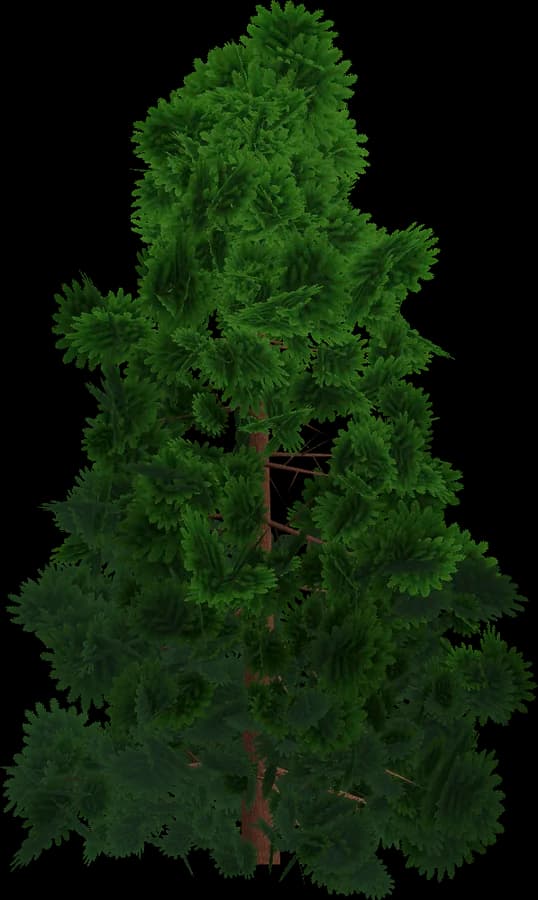
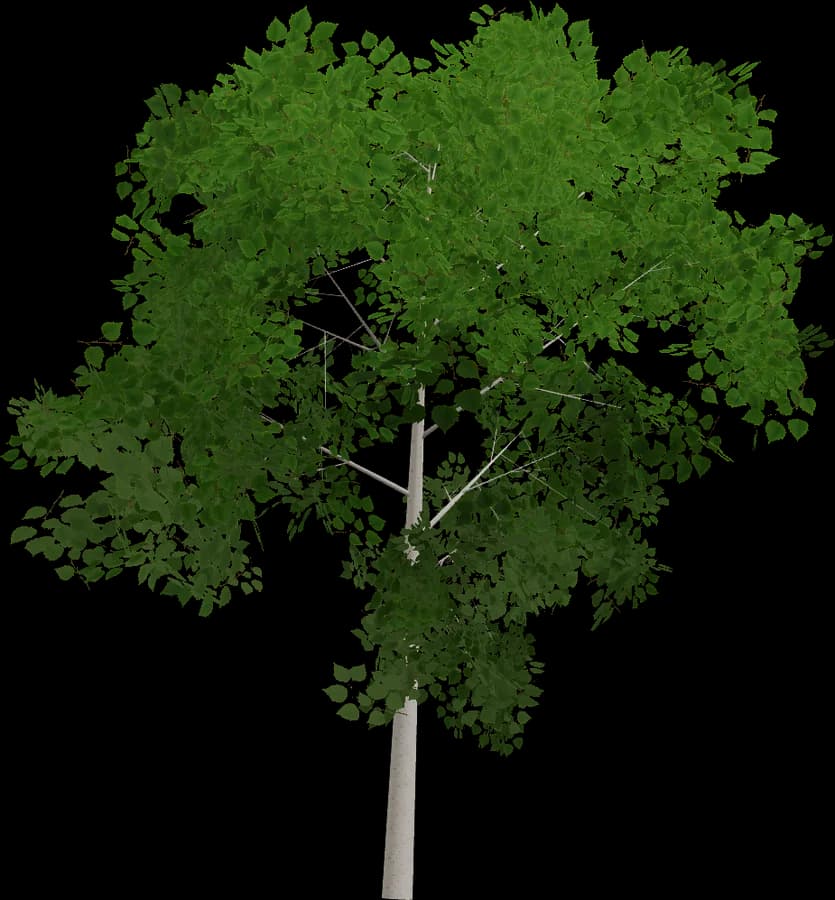
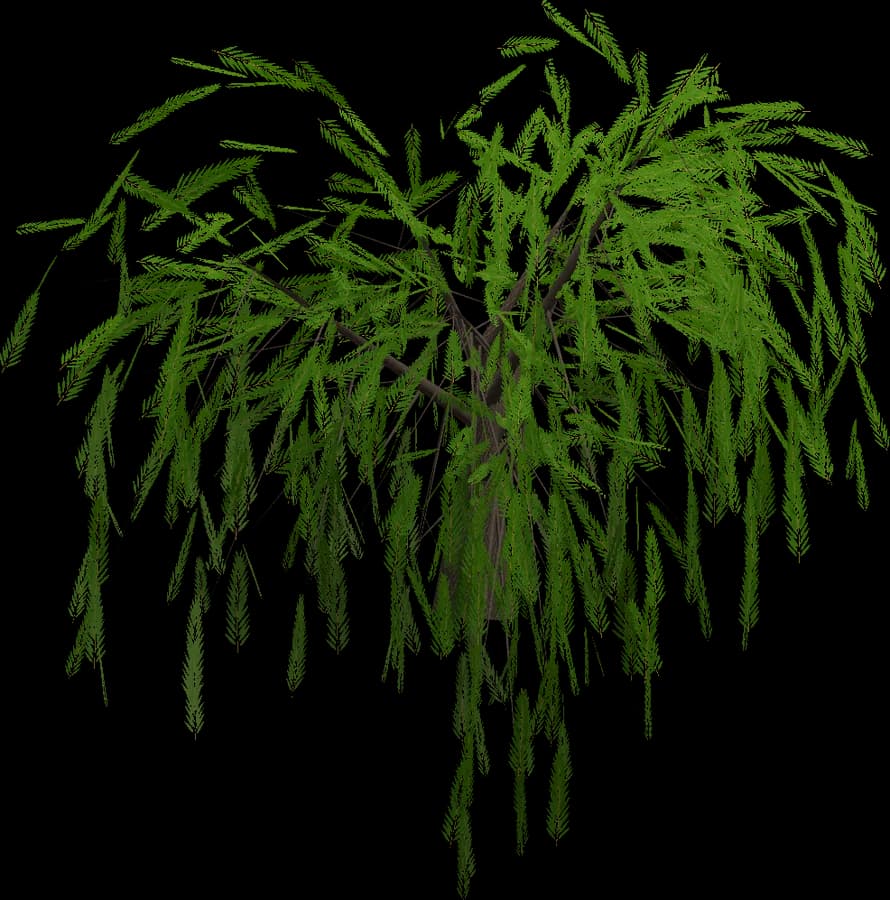
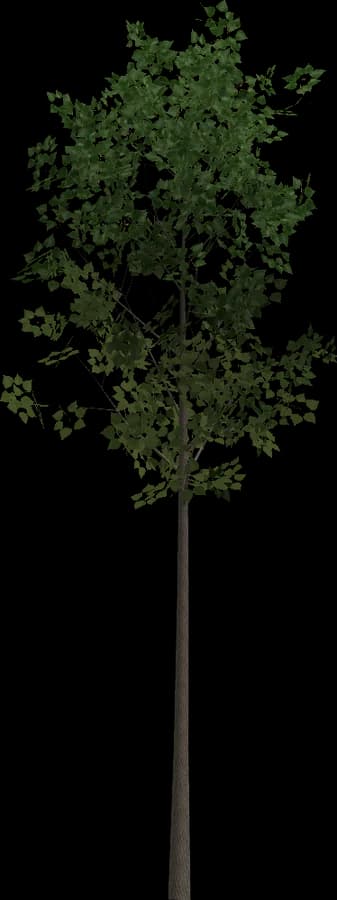
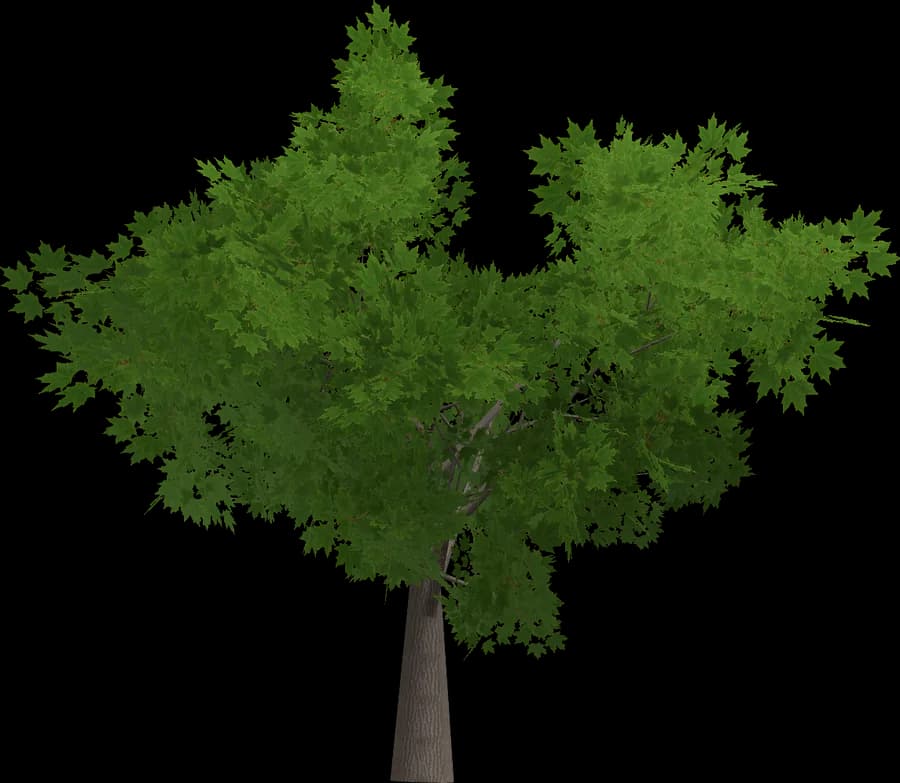
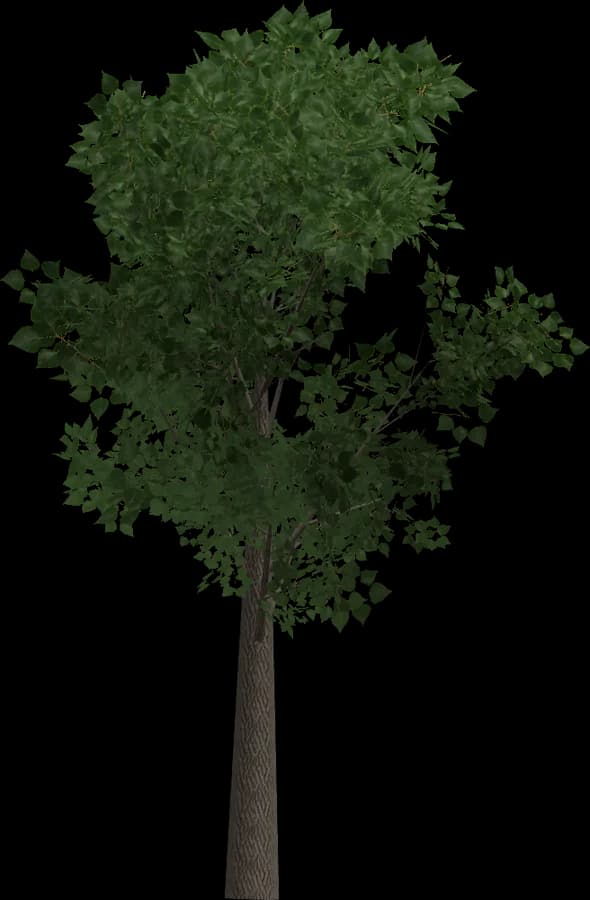
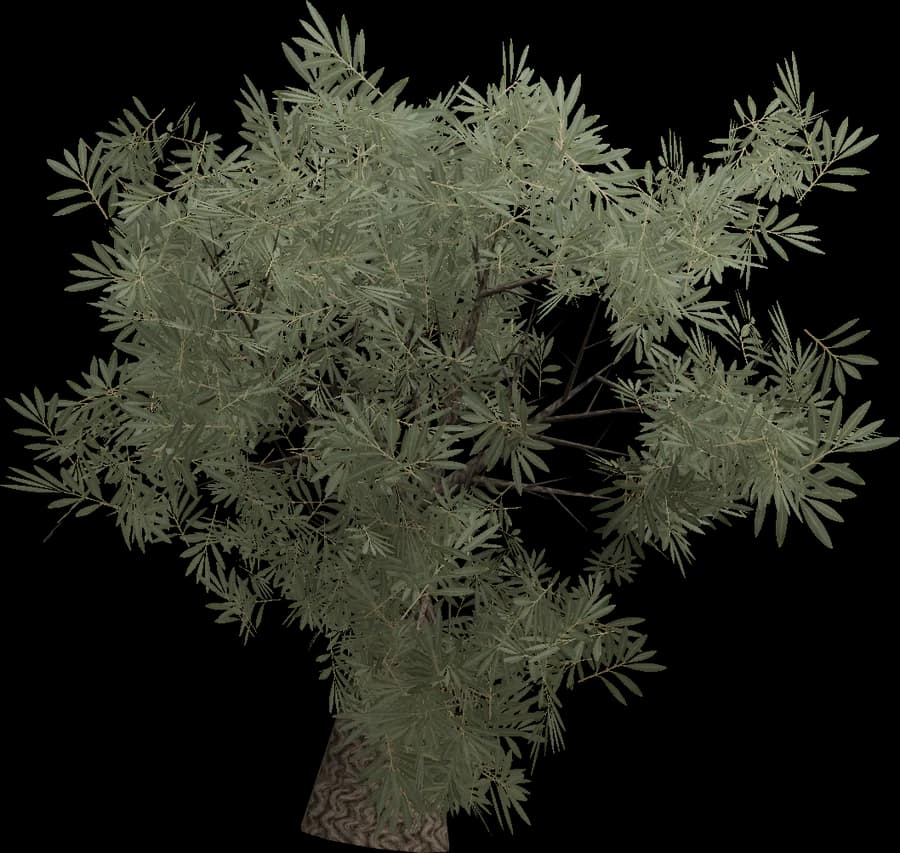
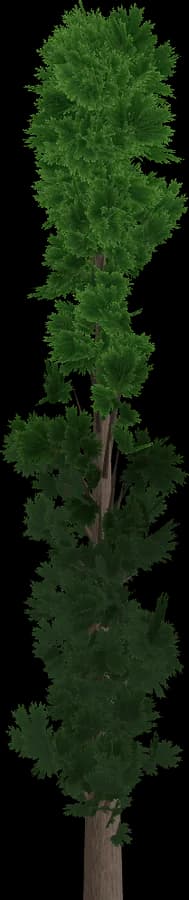
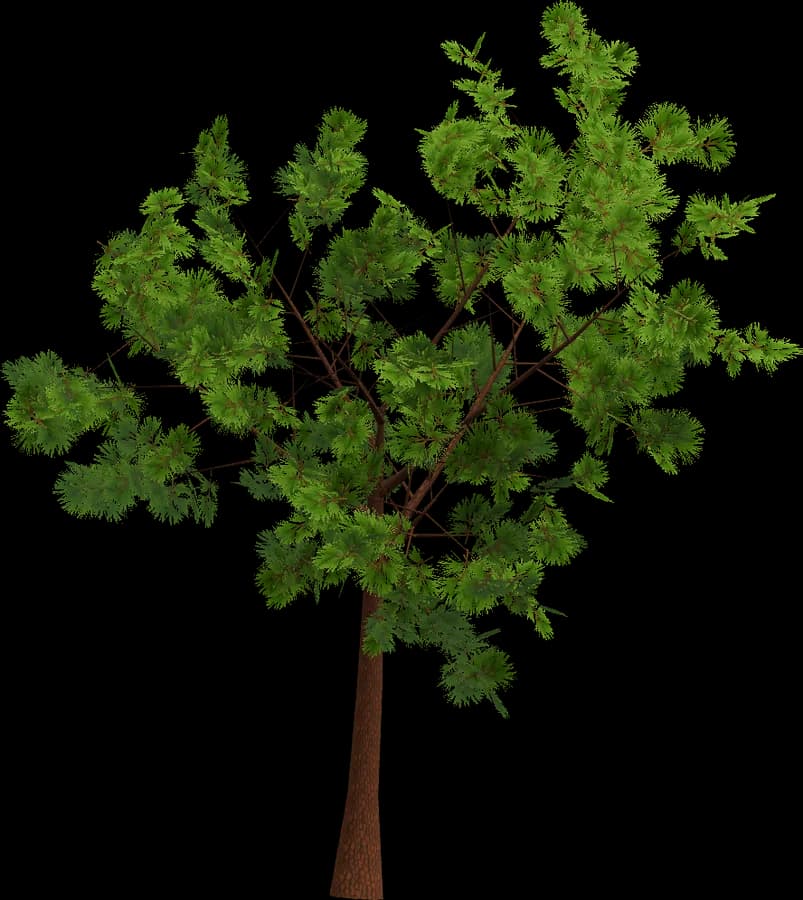
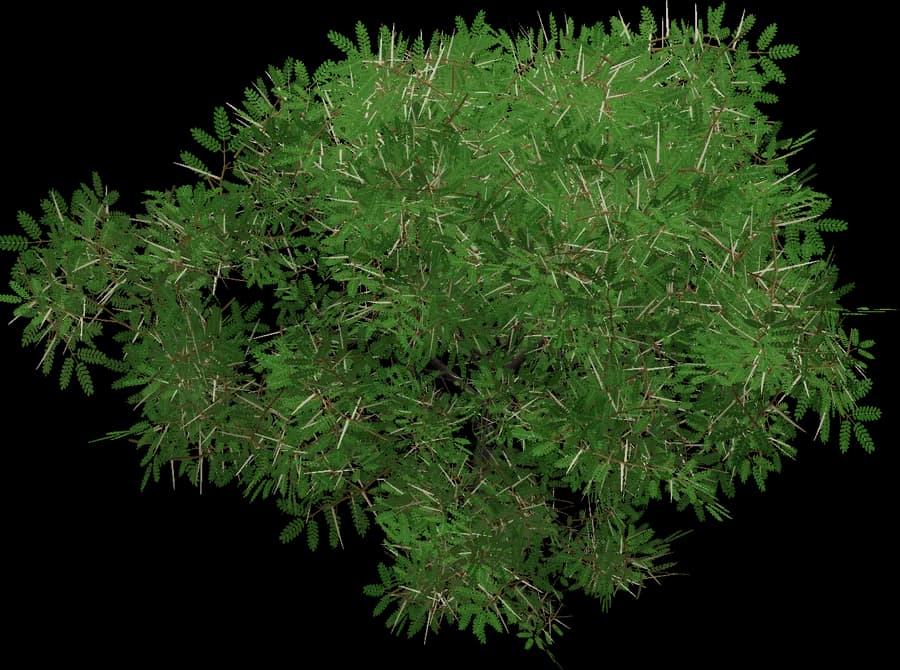
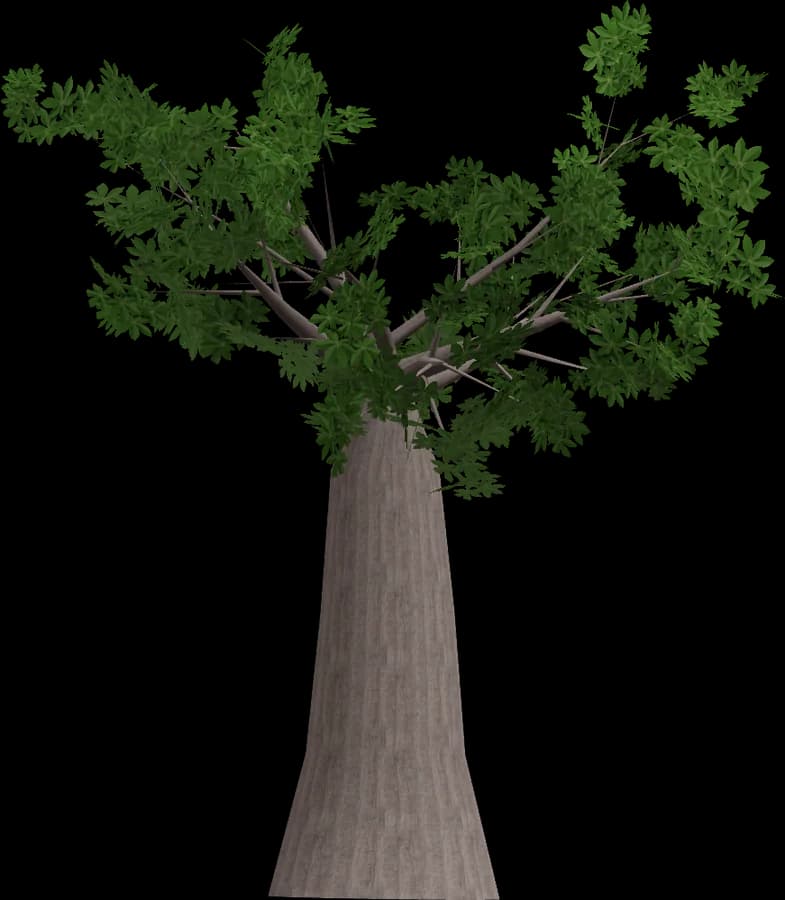
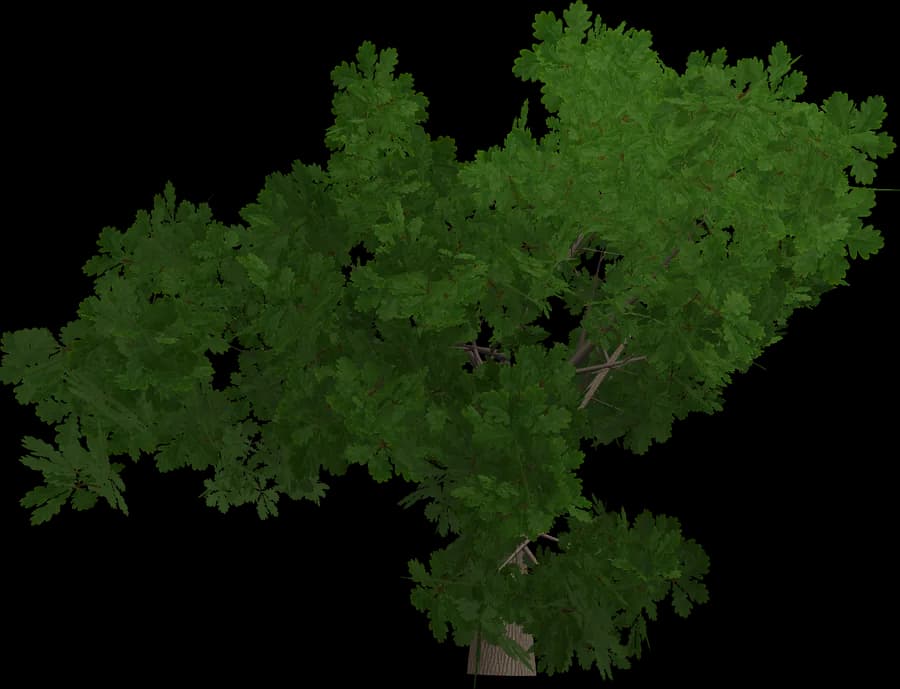
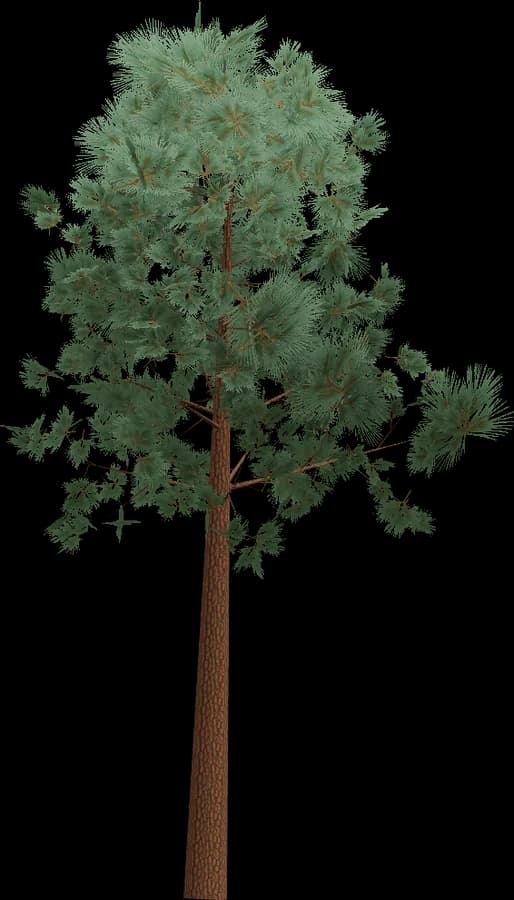
Unreal Engine 5 imports these 14 FBX or glTF trees through the Interchange framework, and because every file already contains LOD0–LOD3, an enabled Import Mesh LODs checkbox is usually all the setup you need. Custom collision ships as UCX_ meshes, so an Oak or Scots Pine drops into a level with a base pivot and immediately blocks players, vehicles and camera traces.

Leaf materials use Masked blend mode, Two Sided, and the Two Sided Foliage shading model, which lets sunlight pass through a Birch or Weeping Willow canopy. Place a Spruce, Maple or Cypress with Foliage Mode or the PCG framework; instanced static meshes keep forests cheap. Nanite handles masked materials from 5.1 onward — keep the classic LOD chain for mobile and other non-Nanite targets.

Models
14
Levels of detail
LOD0 – LOD3
Formats
GLB · FBX · OBJ

Using it in Unreal Engine

Unreal Engine 5 imports FBX, OBJ and glTF/GLB (through the Interchange framework).

  • LODs: enable Import Mesh LODs for an FBX that contains LOD meshes, or add LOD1–LOD3 later in the Static Mesh Editor via LOD Import.
  • Custom collision: FBX meshes named UCX_<MeshName> are imported as convex collision.
  • Leaf materials: Blend Mode Masked, Two Sided, and the Two Sided Foliage shading model for light passing through leaves.
  • Place trees with Foliage Mode or the PCG framework; foliage is rendered as instanced static meshes.
  • Nanite supports masked materials since UE 5.1. Keep the classic LODs for mobile and other non-Nanite targets.
Packs

Other categories

Same in other styles

Same for other engines