
FoliMesh

Trees for Unity

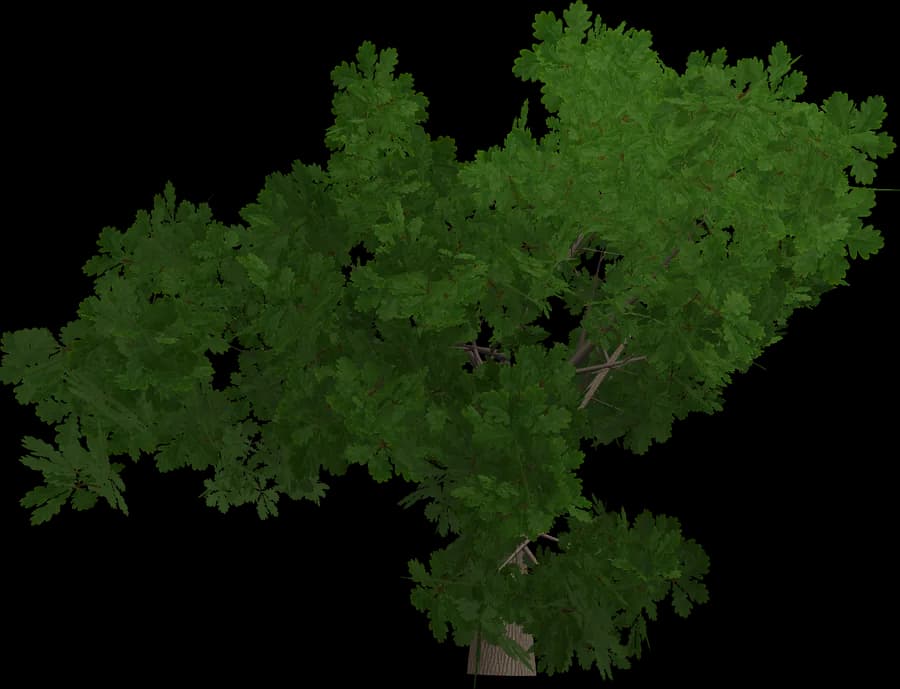
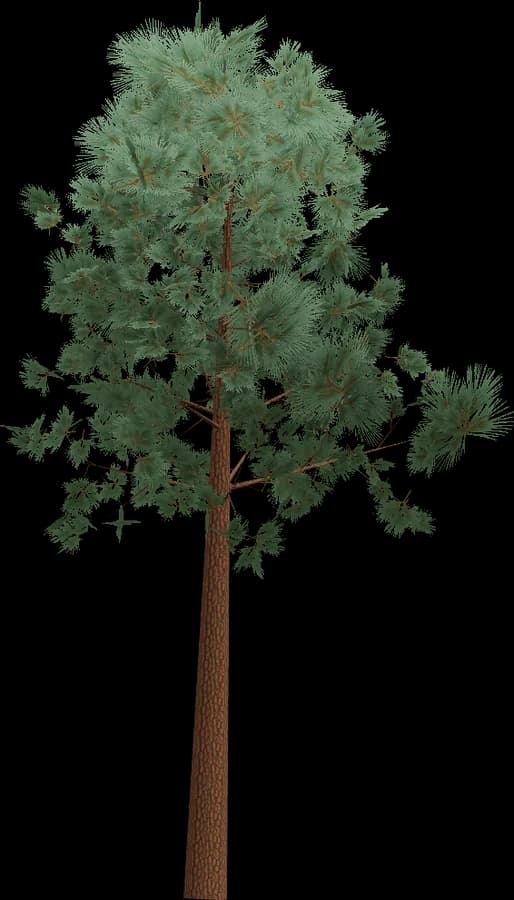
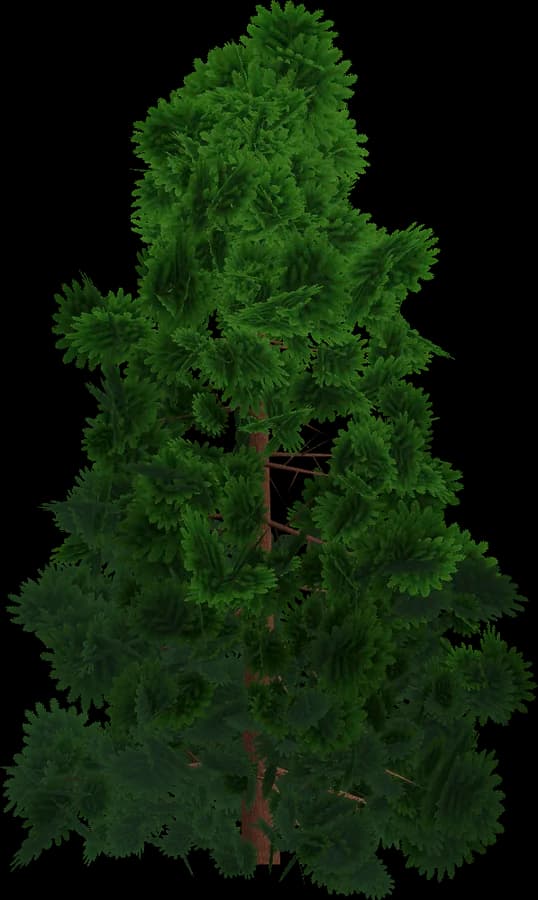
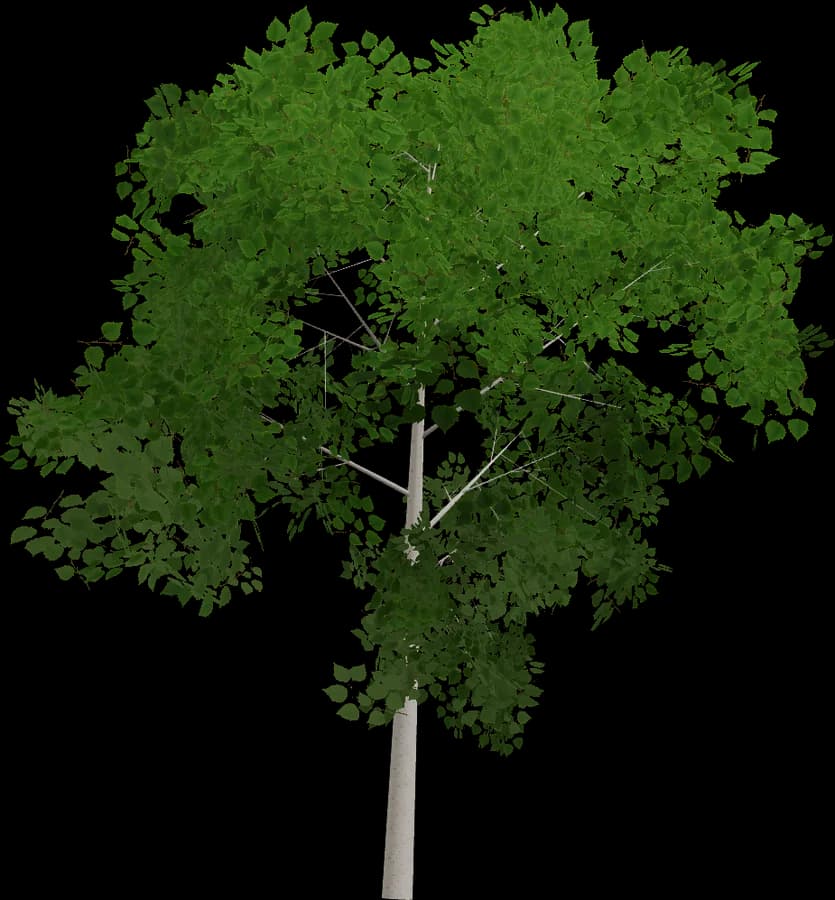
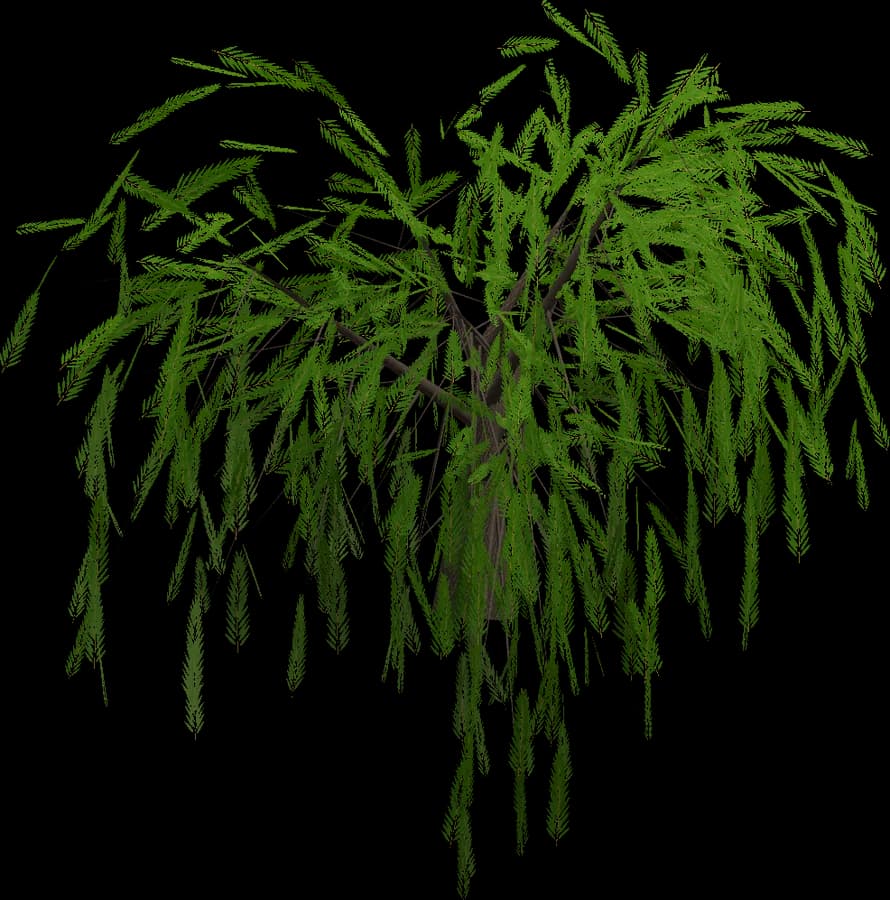
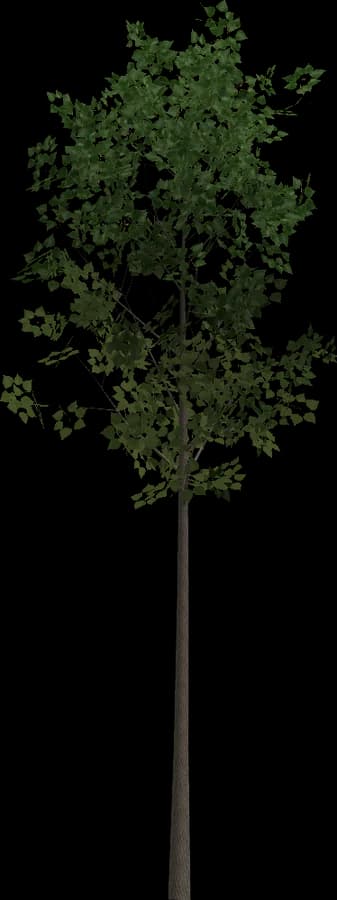
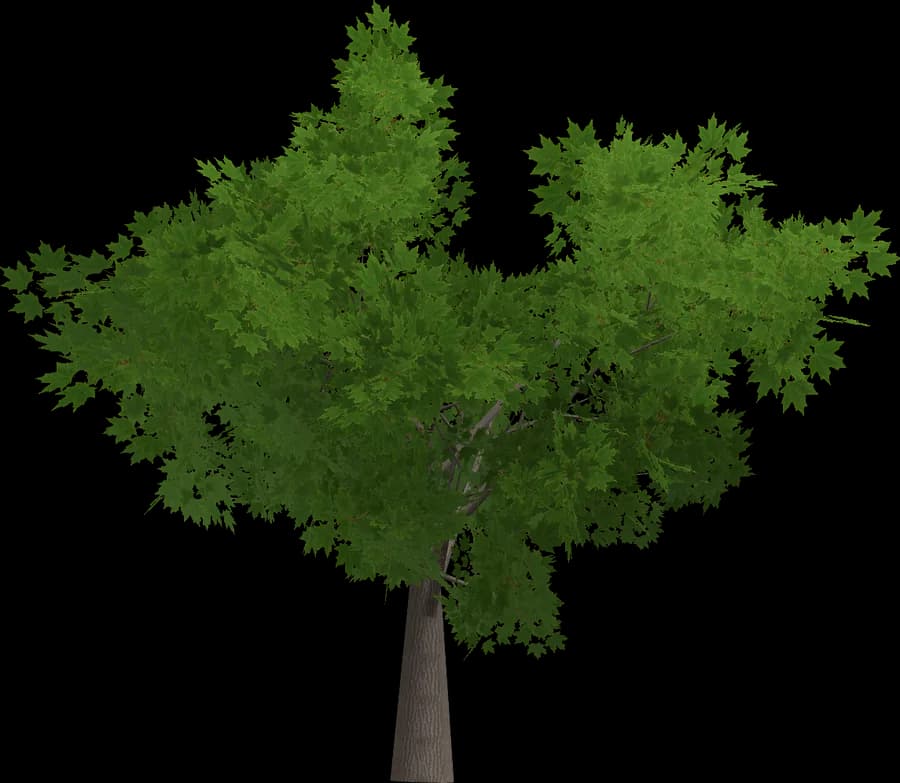
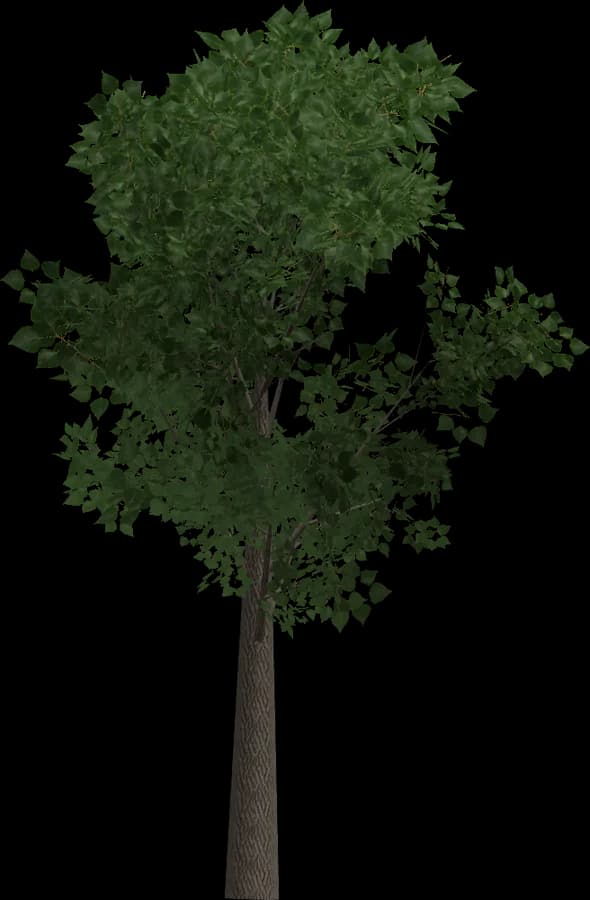
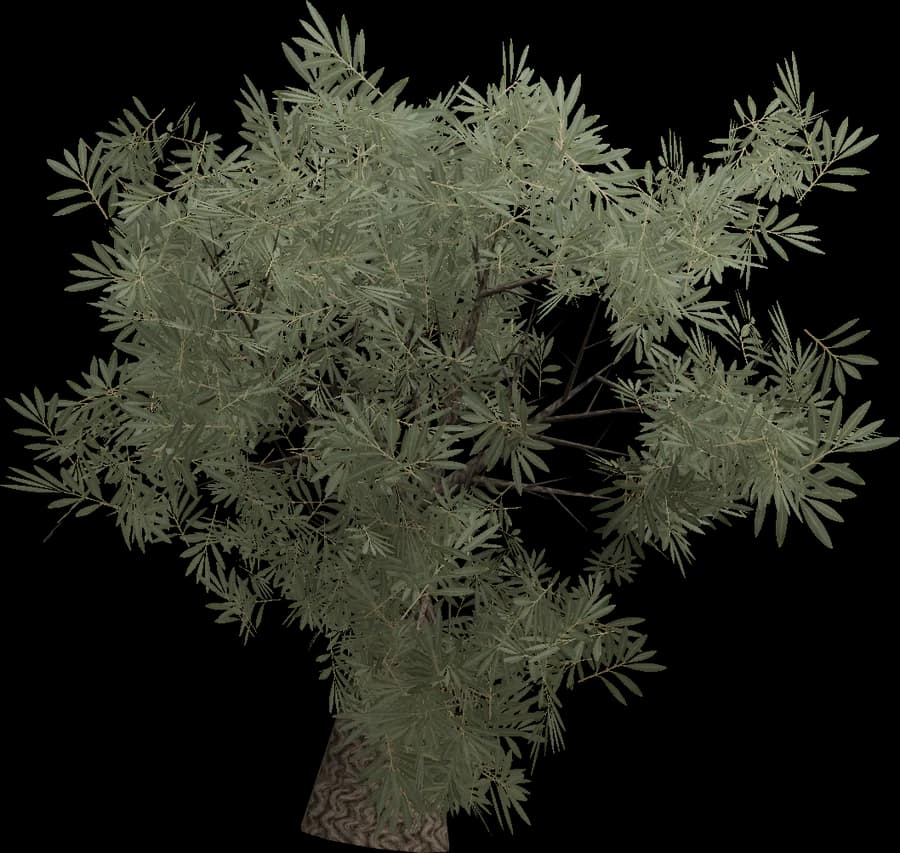
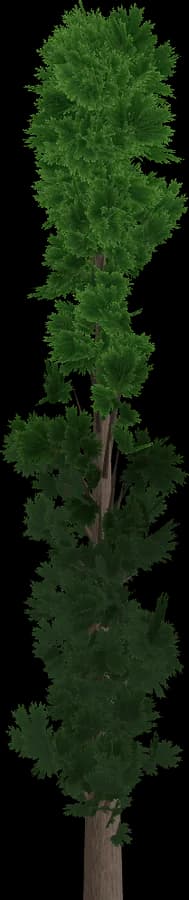
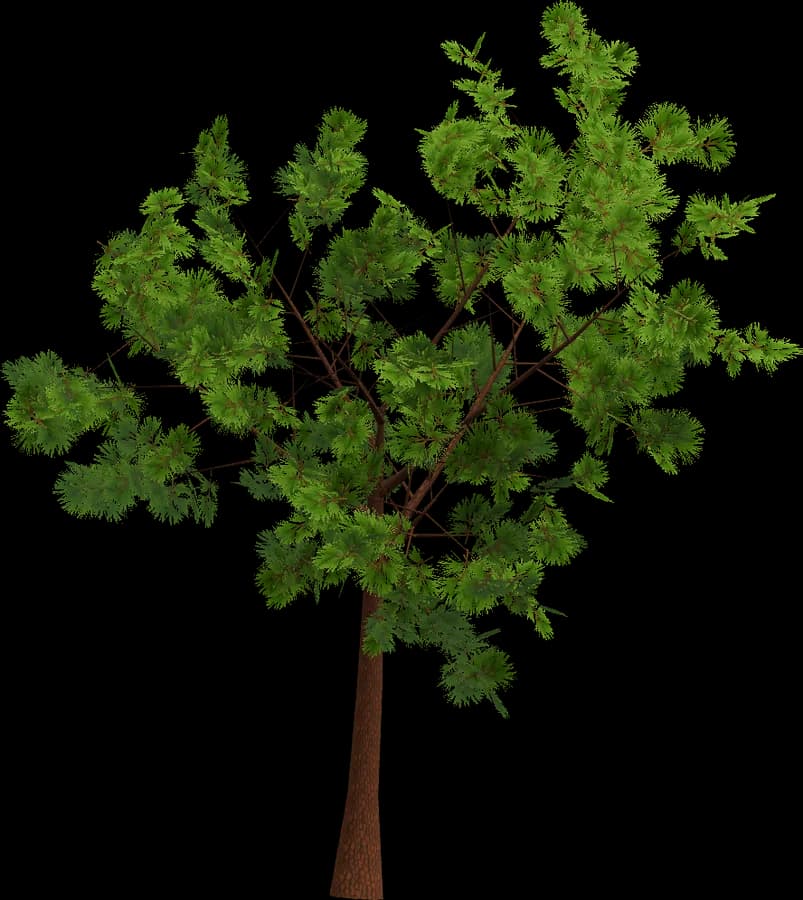
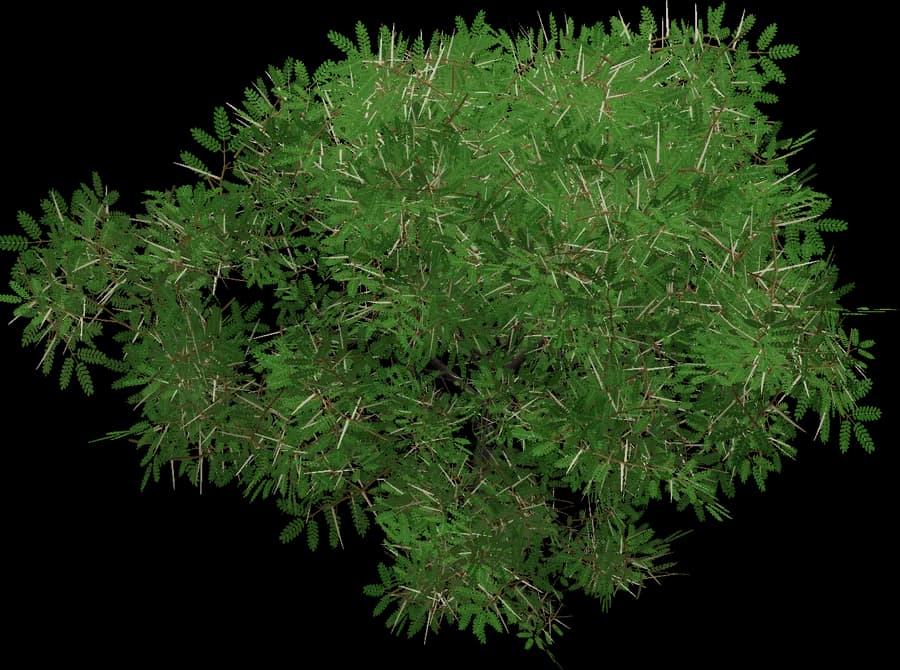
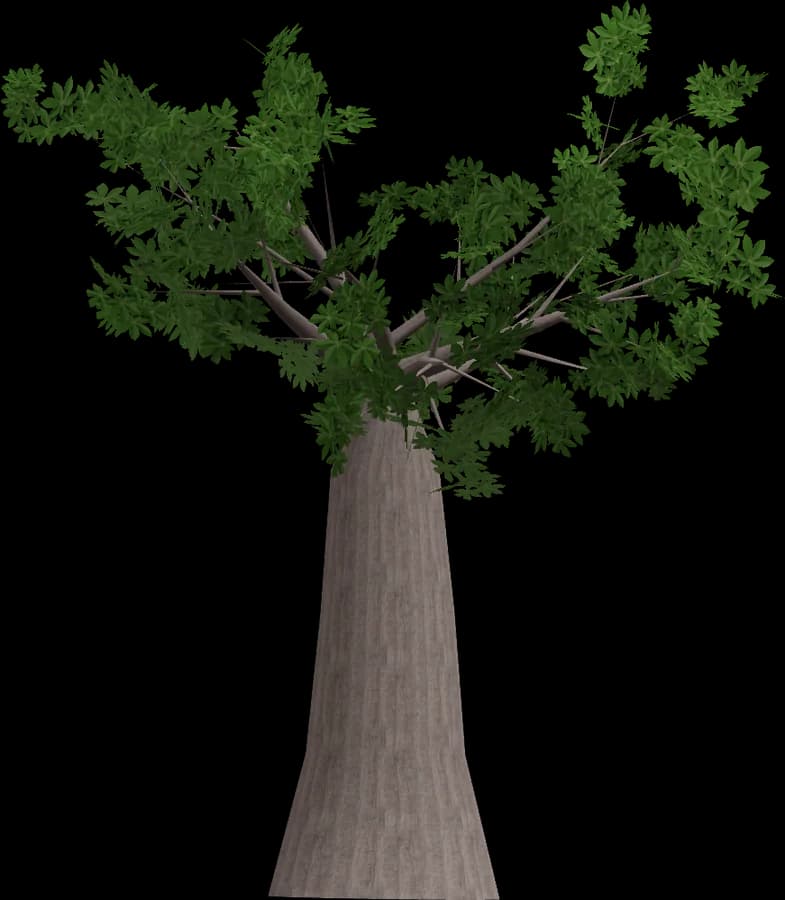
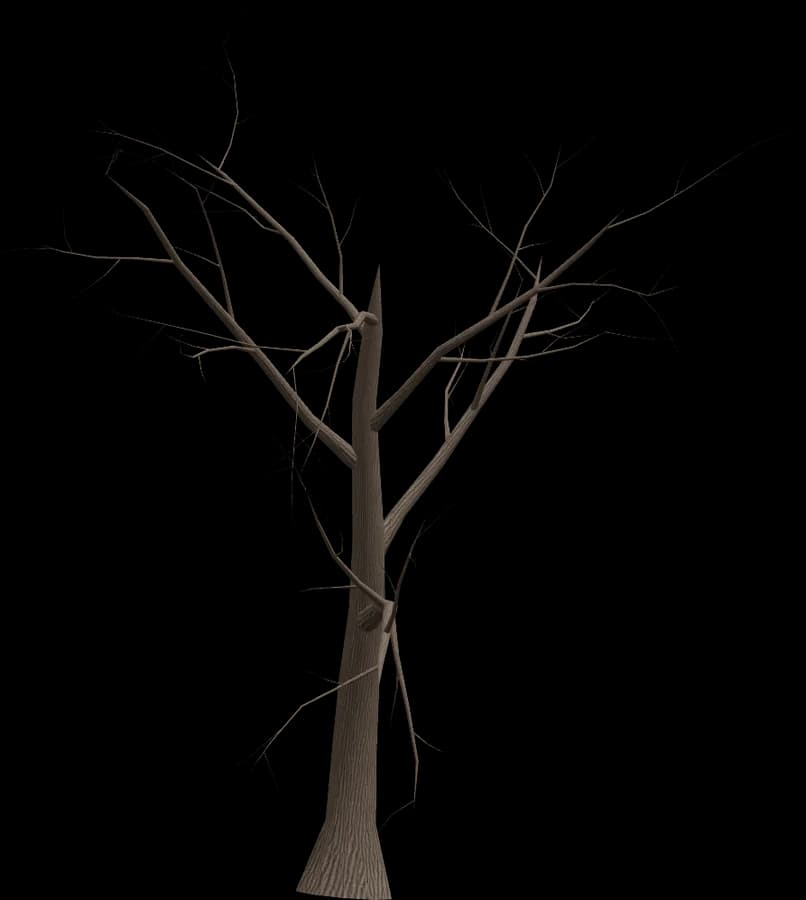
Unity imports FBX and OBJ directly, so the package drops into a project with the LOD Group, materials and colliders already set up. Meshes carry `_LOD0`–`_LOD3` suffixes, which means the LOD Group is created on import; the collision mesh sits on a Mesh Collider with its renderer switched off. For GLB, add the official glTFast package. This set covers 14 trees, from Oak, Birch and Maple to Scots Pine, Spruce and Cypress, plus Olive, Acacia and Baobab for warmer scenes. Every model has four LOD levels, a pivot at the base and endless seed variations. Leaves need Alpha Clipping and two-sided rendering in the URP or HDRP Lit shader. Save trees as prefabs for the Terrain painter; dense forests benefit from GPU instancing or the SRP Batcher in Unity 6.

Models
14
Levels of detail
LOD0 – LOD3
Formats
GLB · FBX · OBJ

Packs

Other categories

Using it in Unity

Unity imports FBX and OBJ natively; for GLB/glTF add Unity's official glTFast package (com.unity.cloud.gltfast), which imports at edit time.

  • Meshes named with _LOD0…_LOD3 suffixes get a LOD Group automatically on FBX import; otherwise add a LOD Group and set screen-size thresholds by hand.
  • Put the collision mesh on a Mesh Collider (enable Convex for rigidbodies) and keep its renderer off.
  • Leaves: enable Alpha Clipping in the URP/HDRP Lit shader and render both faces.
  • For the Terrain tree painter, save each tree as a prefab with a LOD Group. Dense forests benefit from GPU instancing, the SRP Batcher or the GPU Resident Drawer in Unity 6.

No SpeedTree importer or licence is needed.

Same in other styles

Same for other engines