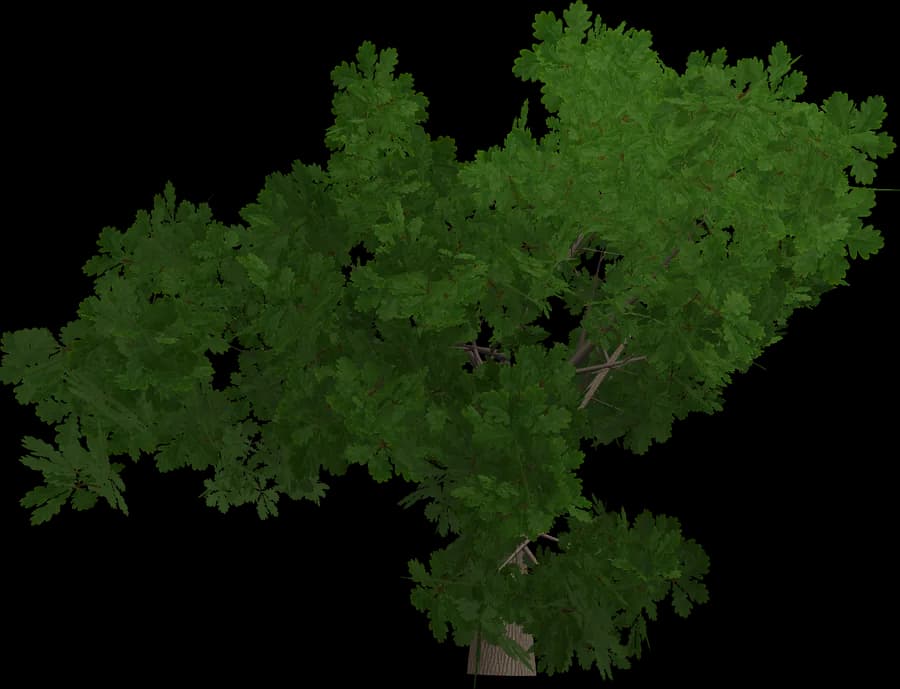
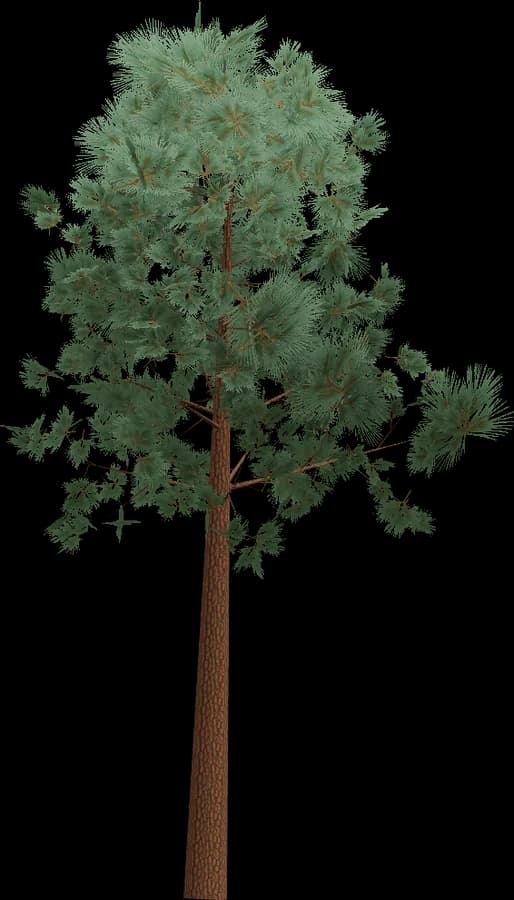
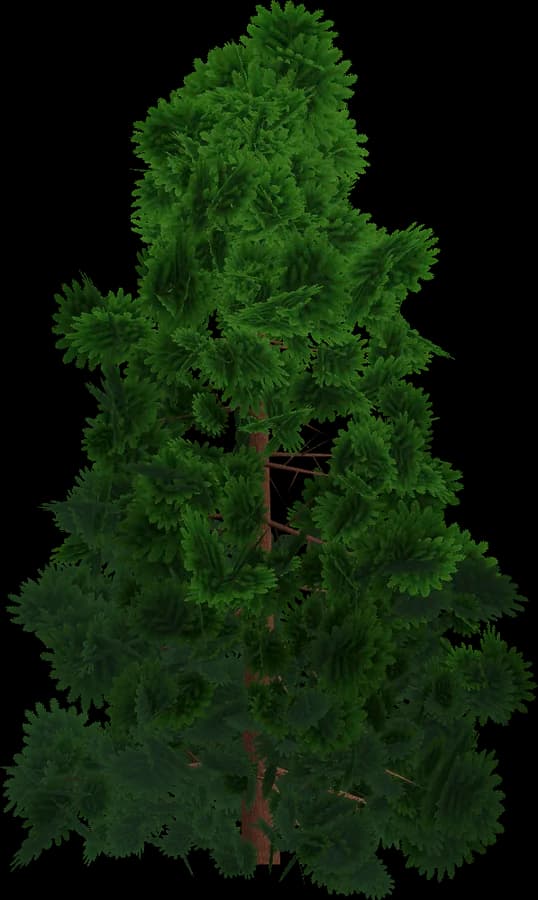
About the Low-poly style
Low-poly vegetation is the cheapest style to render and to ship.
- Flat shading: one normal per face gives the crisp faceted look; no normal maps.
- Colour lives in vertex colours (glTF COLOR_0), so there are no textures, no UV work and almost no video memory.
- Leaves are solid geometry, not alpha cards: no alpha testing and no transparent overdraw, which matters on mobile GPUs.
- One material can be shared by every model in the scene, so trees batch and instance easily.
- Typical budgets range from a few hundred to a couple of thousand triangles at LOD0.
A good fit for mobile, WebGL/WebGPU, VR, strategy, city builders and stylised indie games. In the engine, use a material that multiplies by vertex colour.
Using it in Unity
Unity imports FBX and OBJ natively; for GLB/glTF add Unity's official glTFast package (com.unity.cloud.gltfast), which imports at edit time.
- Meshes named with
_LOD0…_LOD3suffixes get a LOD Group automatically on FBX import; otherwise add a LOD Group and set screen-size thresholds by hand. - Put the collision mesh on a Mesh Collider (enable Convex for rigidbodies) and keep its renderer off.
- Leaves: enable Alpha Clipping in the URP/HDRP Lit shader and render both faces.
- For the Terrain tree painter, save each tree as a prefab with a LOD Group. Dense forests benefit from GPU instancing, the SRP Batcher or the GPU Resident Drawer in Unity 6.
No SpeedTree importer or licence is needed.