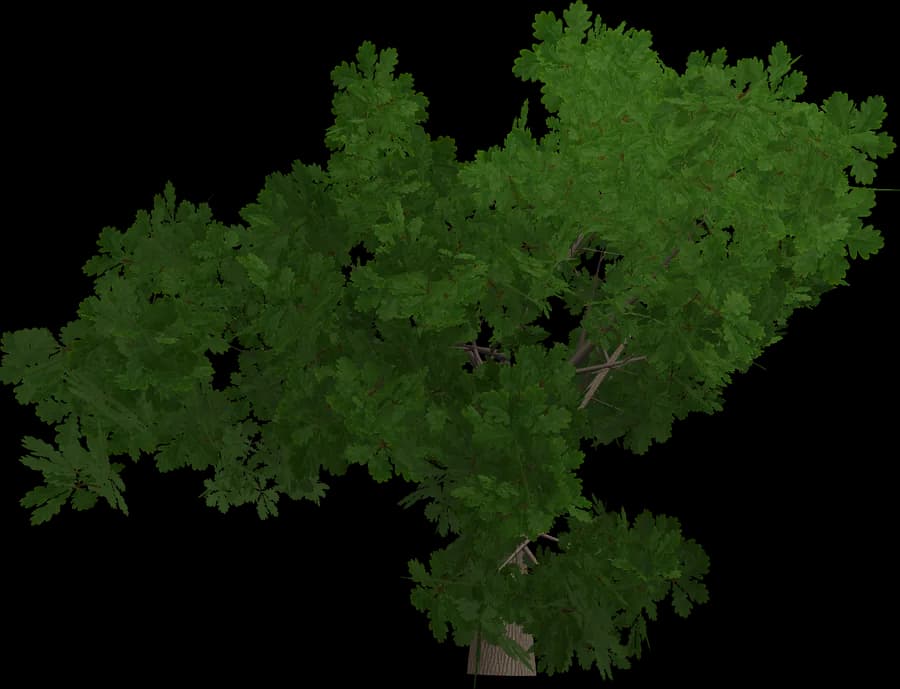
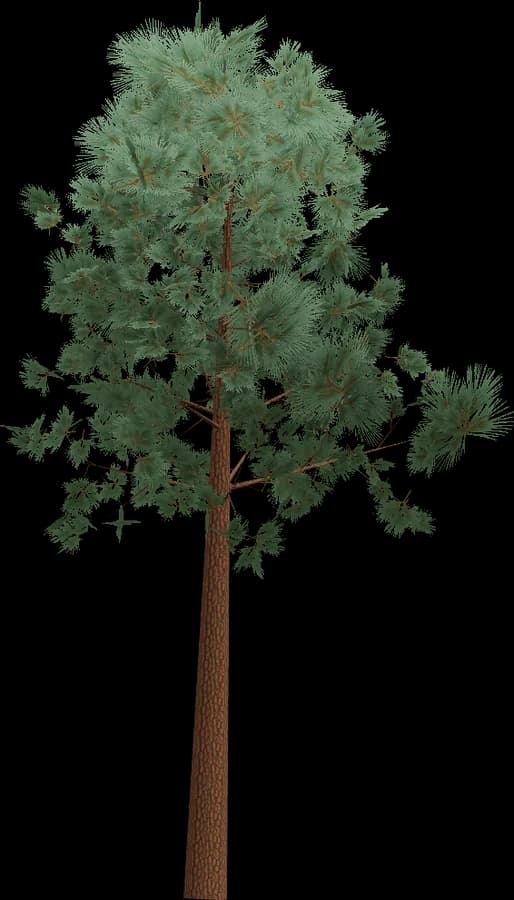
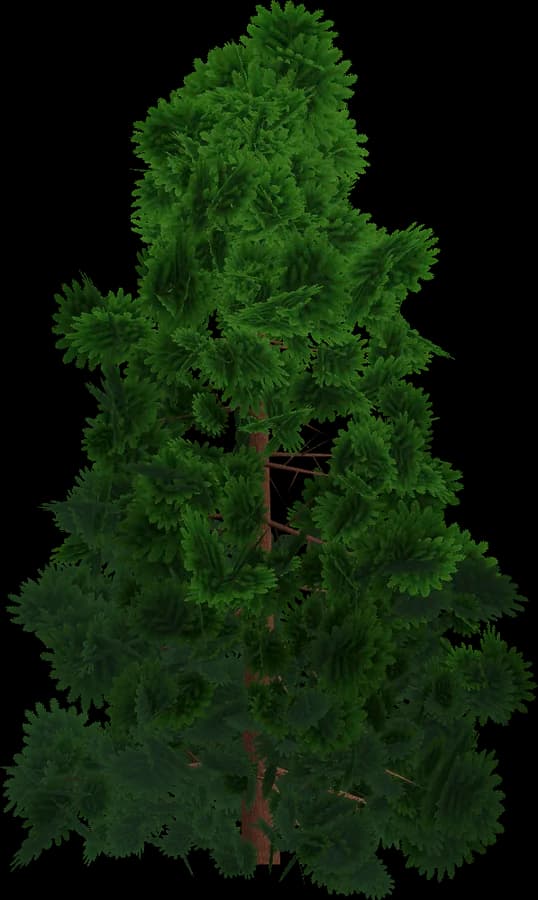
About the Low-poly style
Low-poly vegetation is the cheapest style to render and to ship.
- Flat shading: one normal per face gives the crisp faceted look; no normal maps.
- Colour lives in vertex colours (glTF COLOR_0), so there are no textures, no UV work and almost no video memory.
- Leaves are solid geometry, not alpha cards: no alpha testing and no transparent overdraw, which matters on mobile GPUs.
- One material can be shared by every model in the scene, so trees batch and instance easily.
- Typical budgets range from a few hundred to a couple of thousand triangles at LOD0.
A good fit for mobile, WebGL/WebGPU, VR, strategy, city builders and stylised indie games. In the engine, use a material that multiplies by vertex colour.
Using it in Blender
Blender opens GLB/glTF 2.0 with its bundled importer (File → Import → glTF 2.0) and also imports FBX and OBJ.
- glTF materials become Principled BSDF node setups with base colour, normal map and alpha already connected.
- Keep each LOD in its own collection, or hide LOD1–LOD3 while you lay out a scene.
- Scatter with Geometry Nodes: Distribute Points on Faces → Instance on Points, fed by a Collection Info node (Separate Children + Pick Instance) to mix tree variations, plus Random Value for rotation and scale. Instances keep memory low.
- The pivot at the base means instances sit on the ground with no offset.
Use Blender for renders and level layout, or to re-export a scene to another engine.