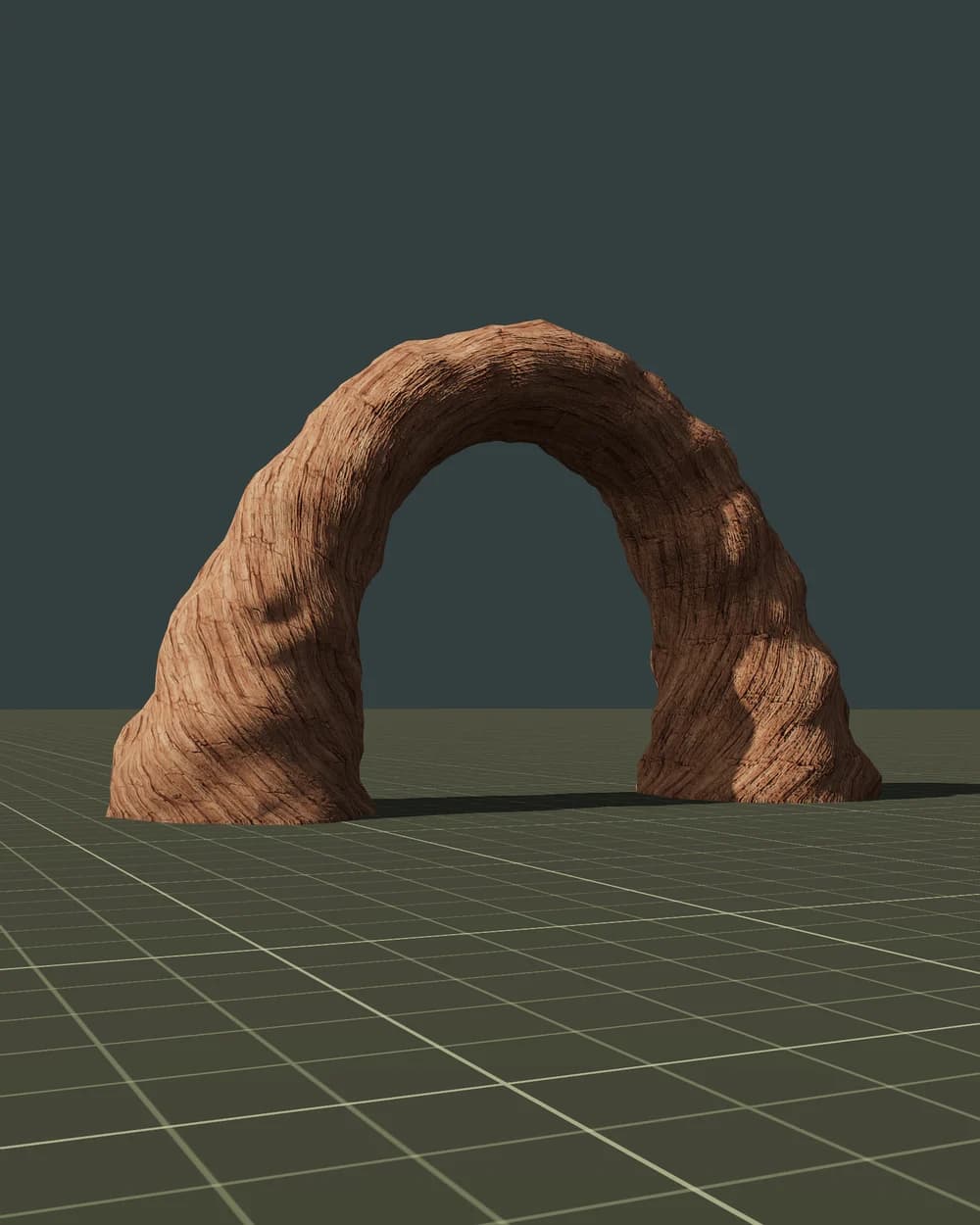
About the Realistic style
Realistic models use the PBR metal/roughness workflow that glTF 2.0, Unity, Unreal, Godot and three.js read directly.
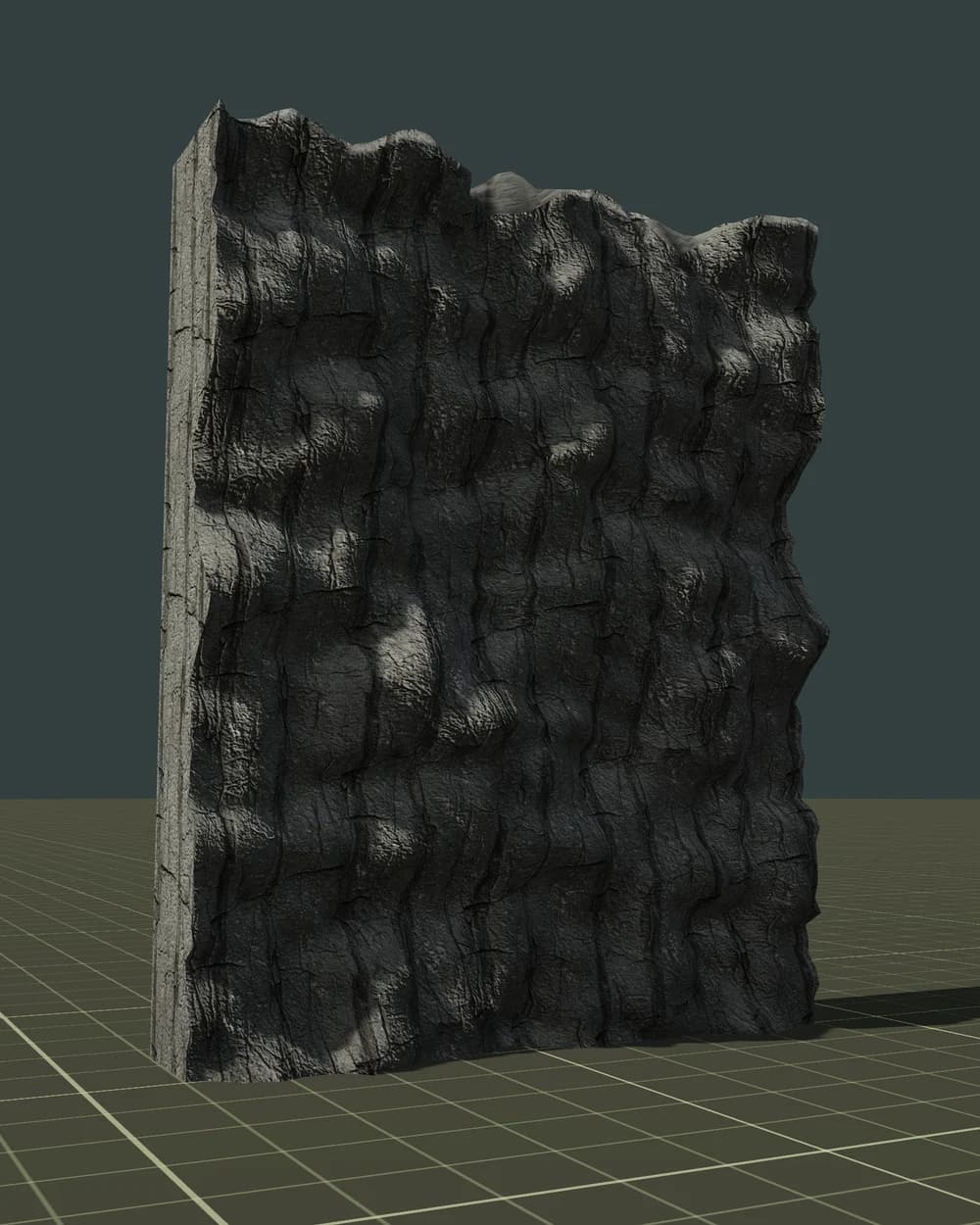
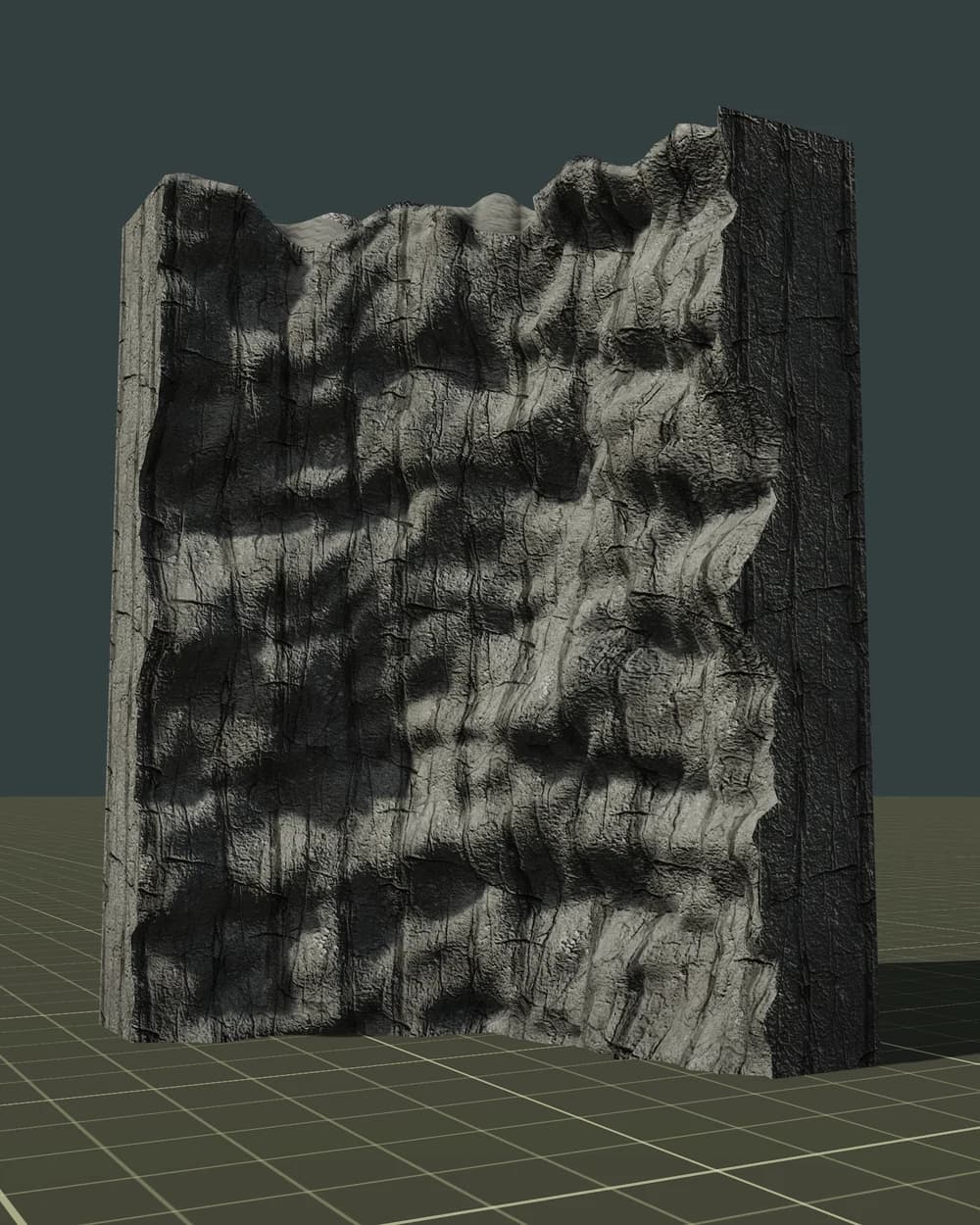
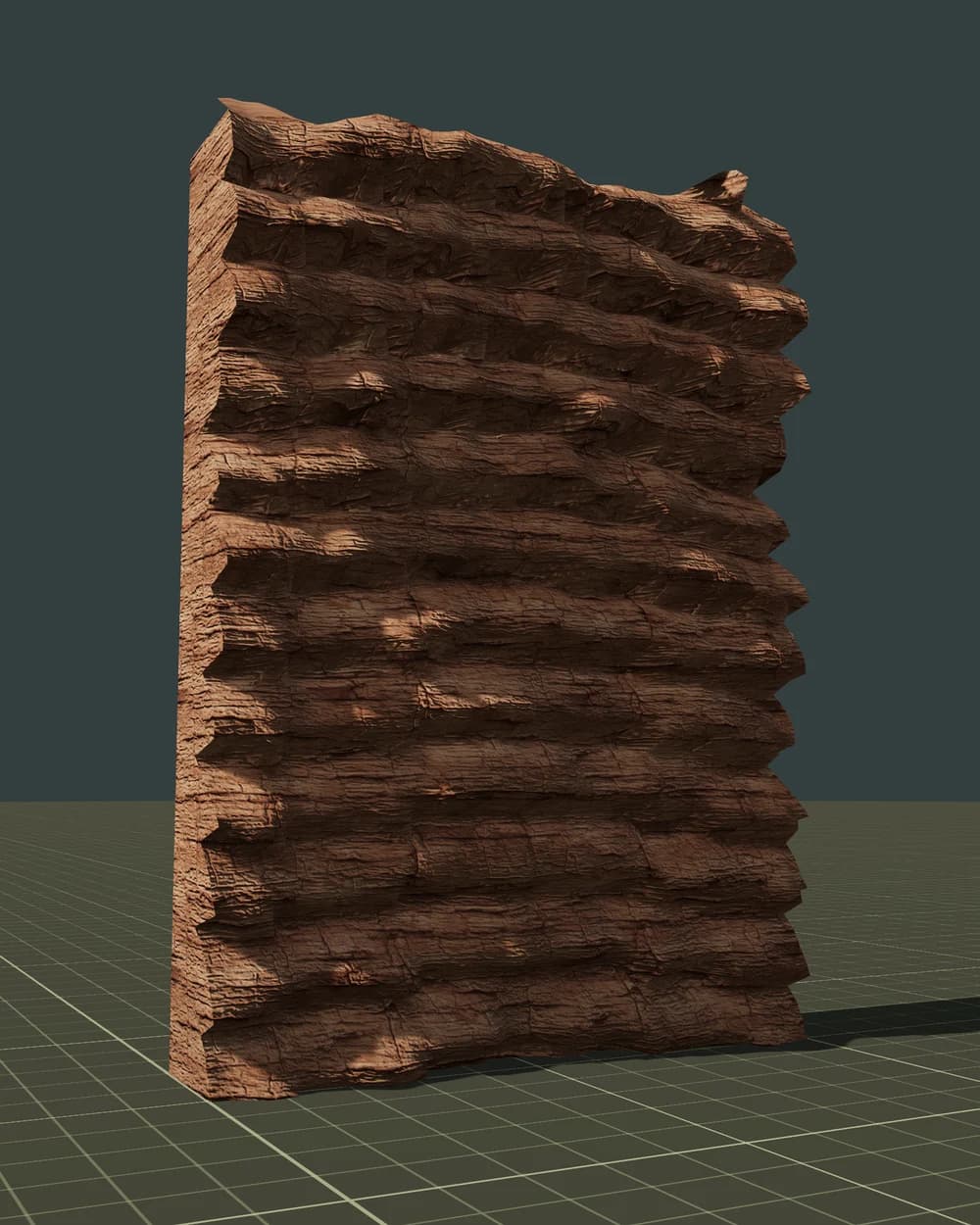
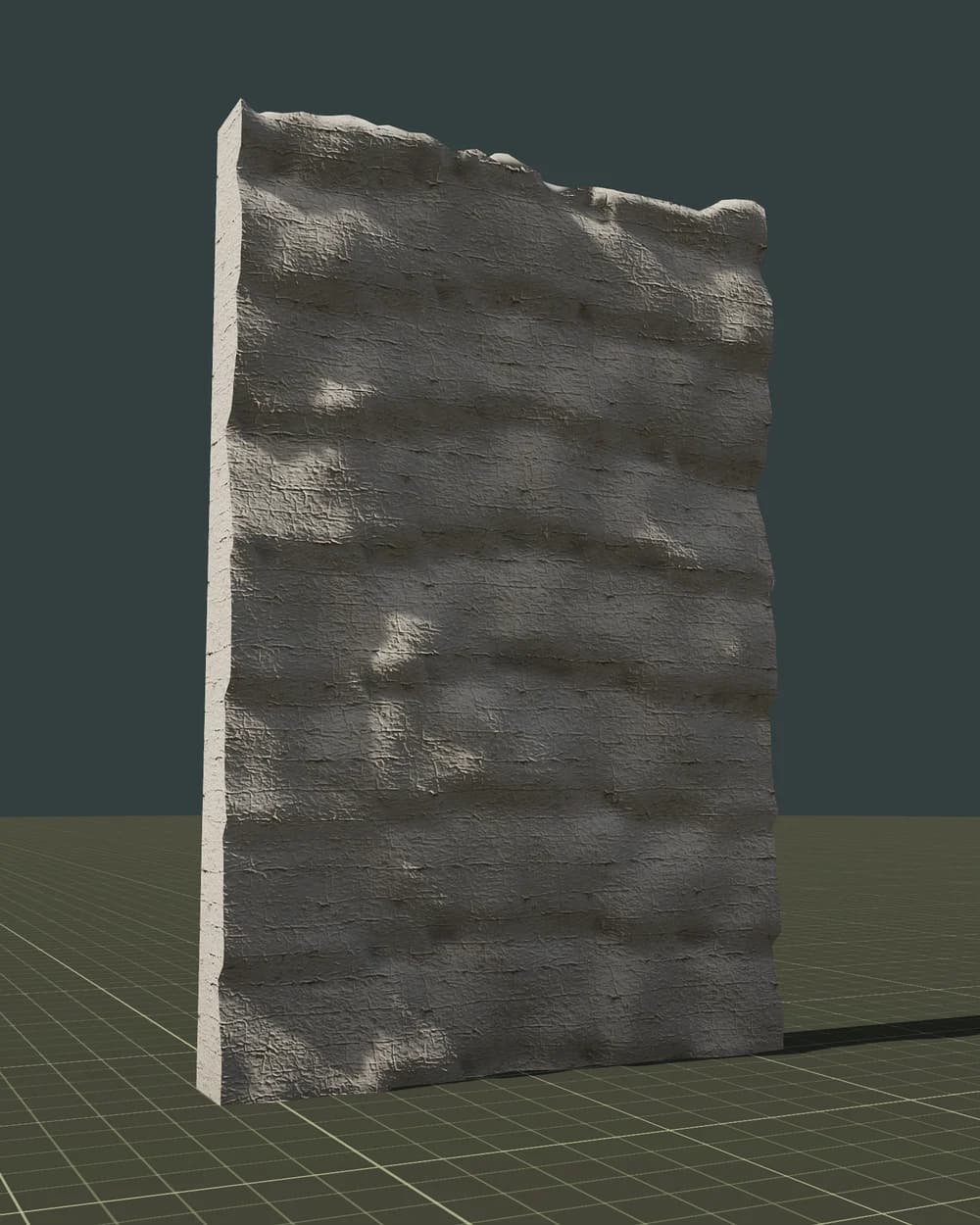
- Bark: base colour, normal and roughness maps on the trunk and branches.
- Leaves: alpha-tested (masked) cards with leaf-cluster textures, not alpha-blended, so they write depth, need no sorting and cast correct shadows.
- Bark and leaves use separate materials, which keeps draw calls predictable and works well with GPU instancing.
- LOD0 is the close-up mesh; LOD1–LOD3 drop branches and leaf cards, so the last level is light enough for far distances.
Best for first- and third-person games, survival, open worlds and simulators on PC and consoles. On mobile, start from LOD1 or LOD2 as the nearest level and watch overdraw from leaf cards.
Using it in PlayCanvas
PlayCanvas treats GLB as a container asset. In the Editor, upload GLB (FBX is converted to GLB on import) to get a template with the model hierarchy; in engine-only code use app.assets.loadFromUrl(url, 'container') and asset.resource.instantiateRenderEntity().
- LOD: there is no built-in LOD component, so a small script compares camera distance and toggles the render components of the LOD0–LOD3 entities.
- Static trees can share a batch group to merge draw calls; for large forests use hardware instancing with
meshInstance.setInstancing()and a vertex buffer of transforms. - Leaves: glTF MASK sets
alphaTeston the StandardMaterial; use cull mode none for two-sided leaves. - Collision mesh: a collision component of type mesh plus a static rigidbody, with its render component disabled.