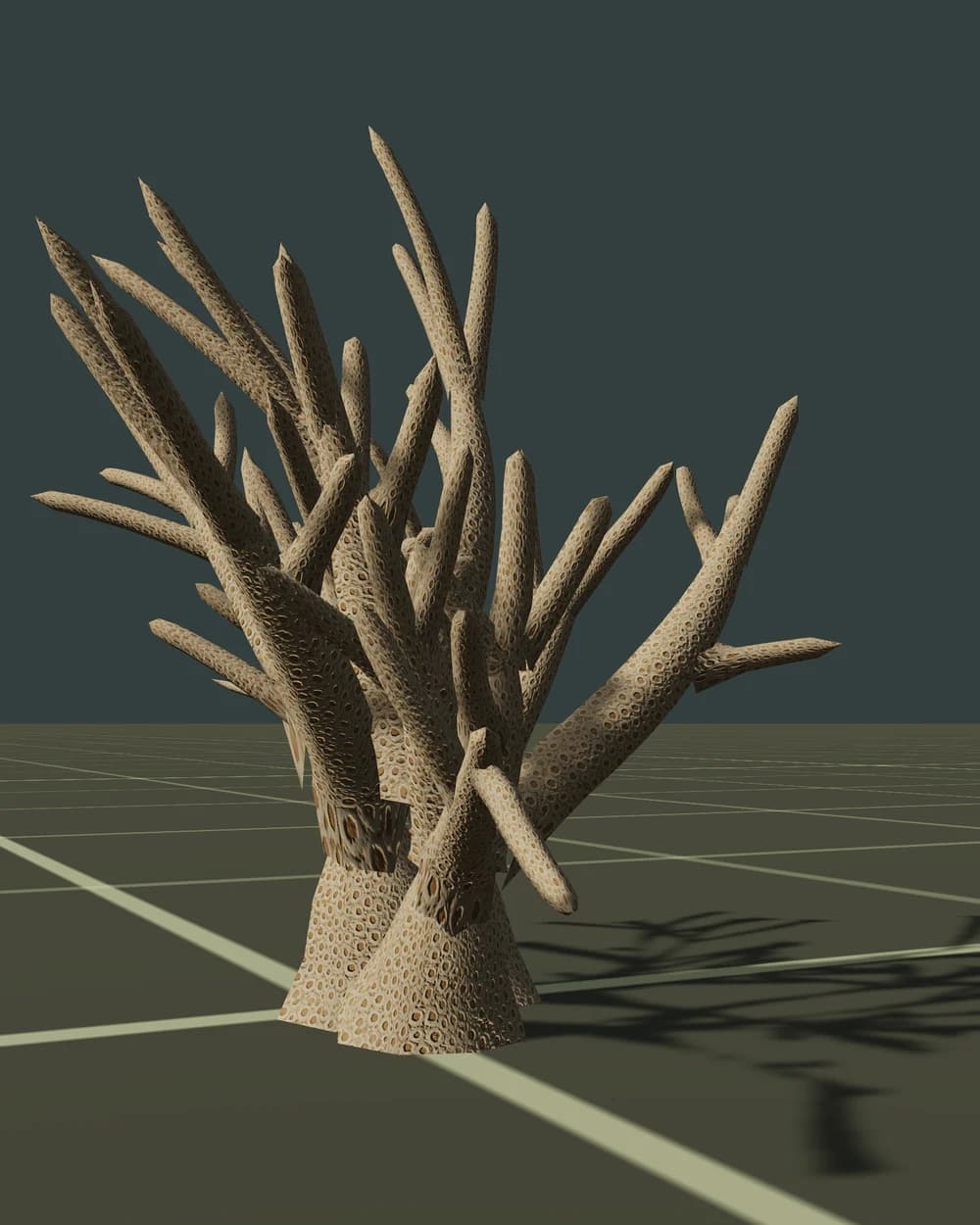
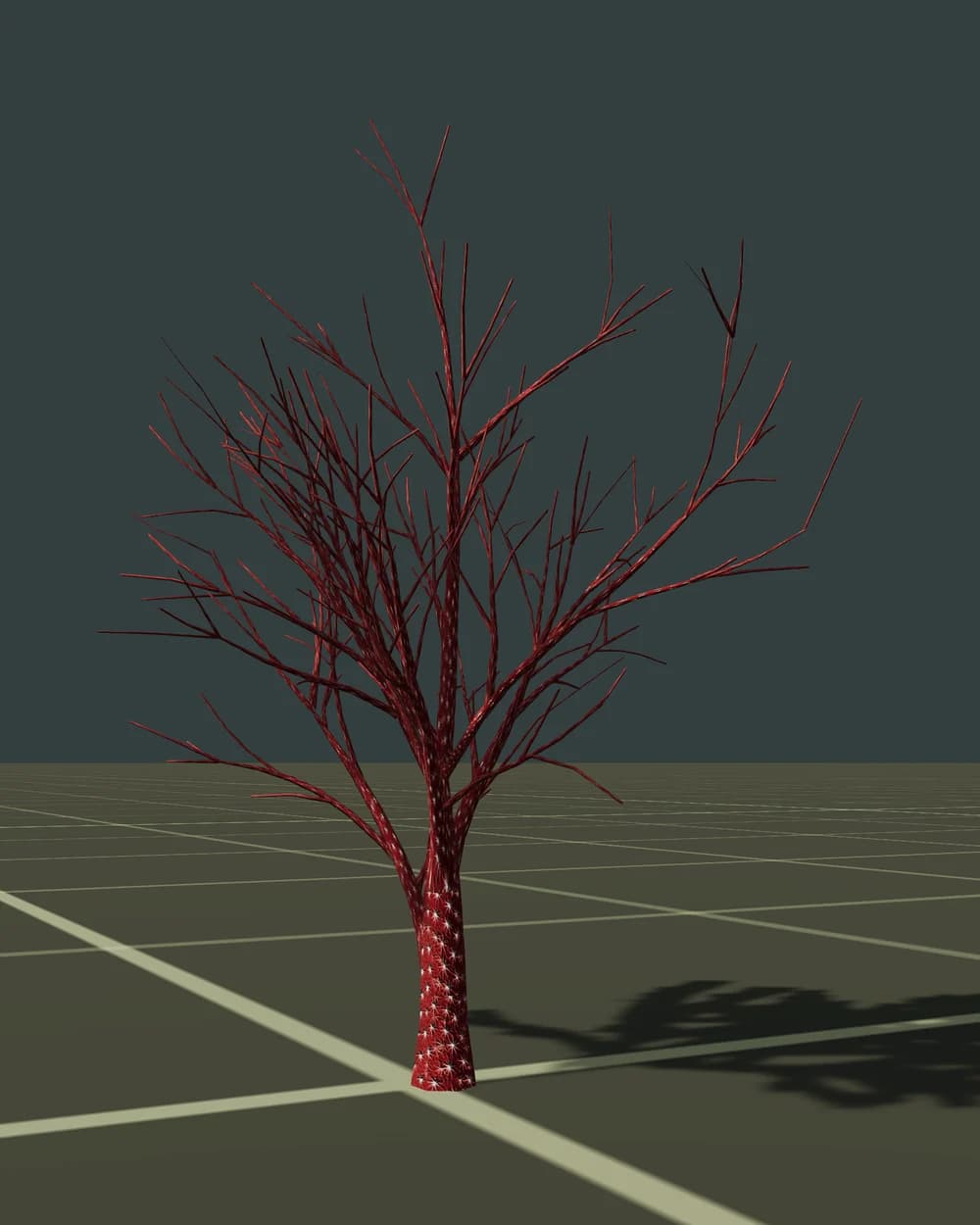
About the Realistic style
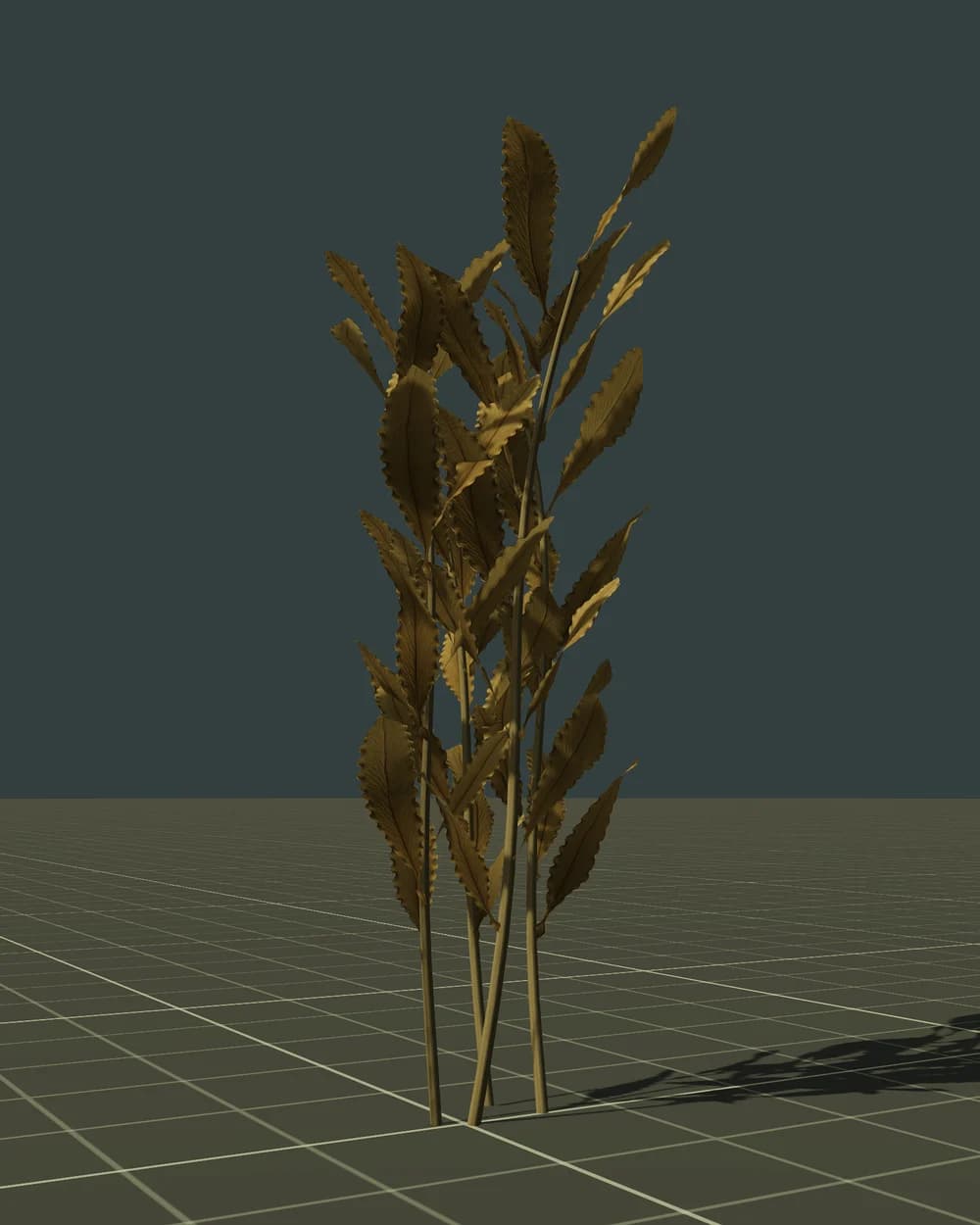
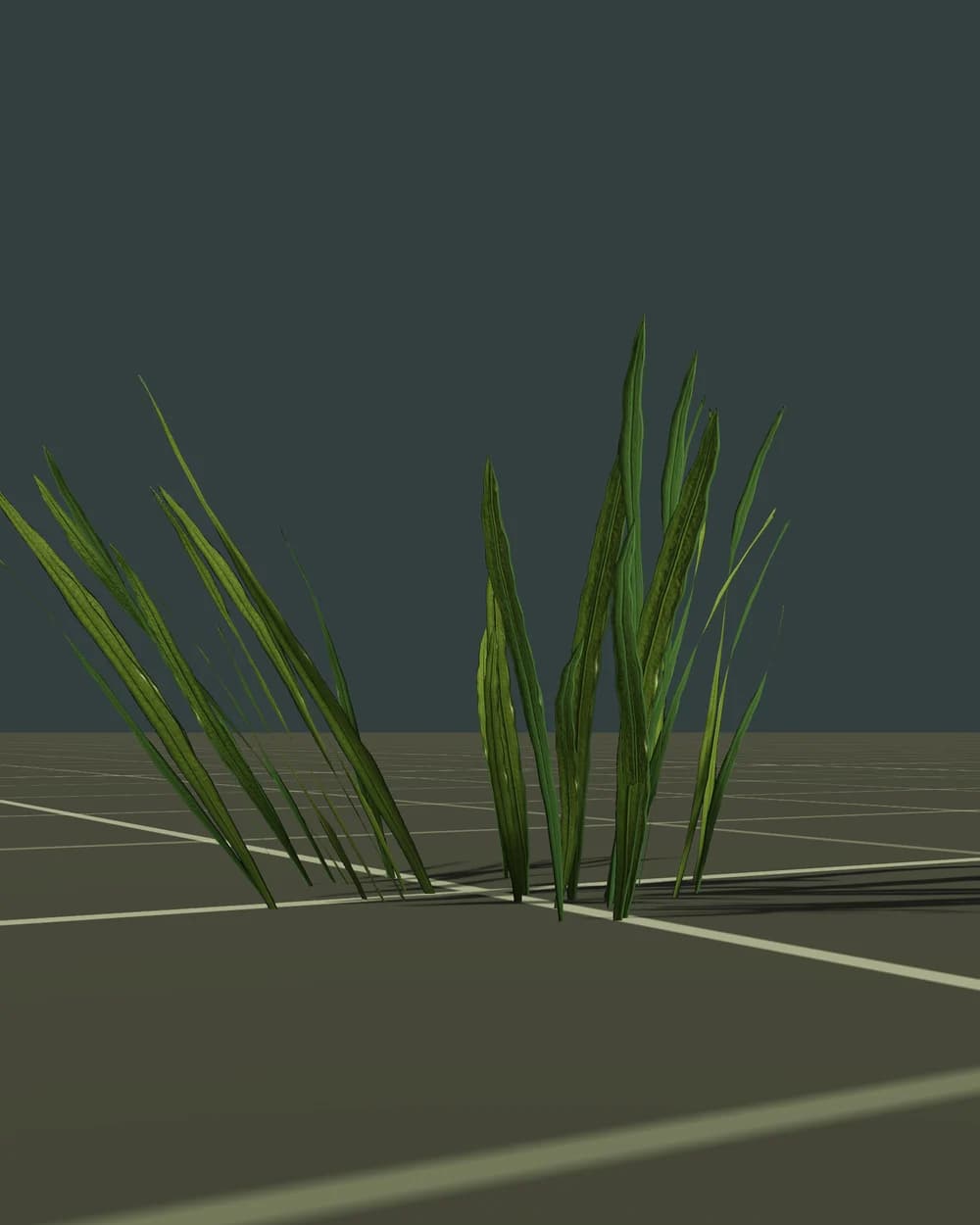
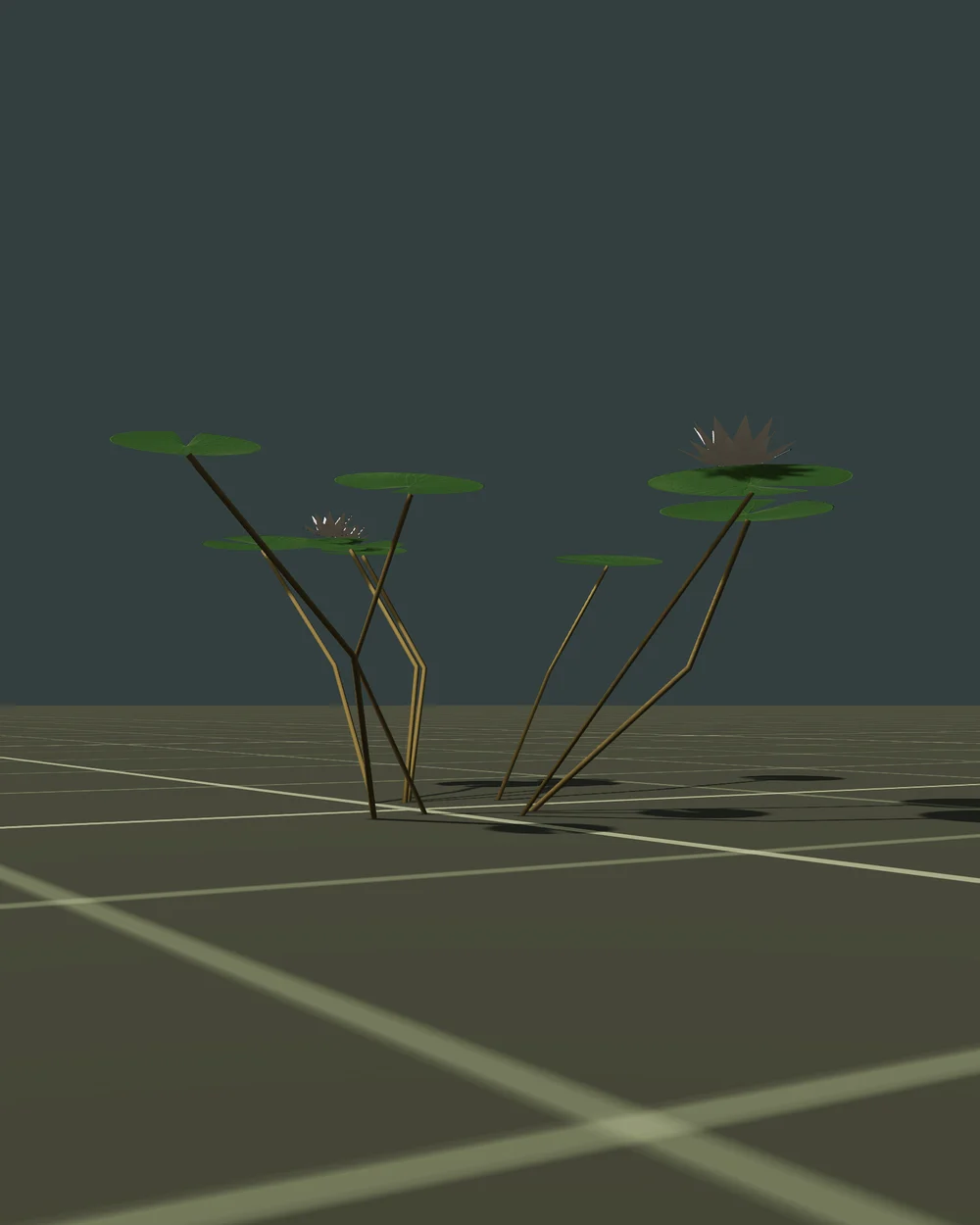
Realistic models use the PBR metal/roughness workflow that glTF 2.0, Unity, Unreal, Godot and three.js read directly.
- Bark: base colour, normal and roughness maps on the trunk and branches.
- Leaves: alpha-tested (masked) cards with leaf-cluster textures, not alpha-blended, so they write depth, need no sorting and cast correct shadows.
- Bark and leaves use separate materials, which keeps draw calls predictable and works well with GPU instancing.
- LOD0 is the close-up mesh; LOD1–LOD3 drop branches and leaf cards, so the last level is light enough for far distances.
Best for first- and third-person games, survival, open worlds and simulators on PC and consoles. On mobile, start from LOD1 or LOD2 as the nearest level and watch overdraw from leaf cards.
Using it in Unity
Unity imports FBX and OBJ natively; for GLB/glTF add Unity's official glTFast package (com.unity.cloud.gltfast), which imports at edit time.
- Meshes named with
_LOD0…_LOD3suffixes get a LOD Group automatically on FBX import; otherwise add a LOD Group and set screen-size thresholds by hand. - Put the collision mesh on a Mesh Collider (enable Convex for rigidbodies) and keep its renderer off.
- Leaves: enable Alpha Clipping in the URP/HDRP Lit shader and render both faces.
- For the Terrain tree painter, save each tree as a prefab with a LOD Group. Dense forests benefit from GPU instancing, the SRP Batcher or the GPU Resident Drawer in Unity 6.
No SpeedTree importer or licence is needed.