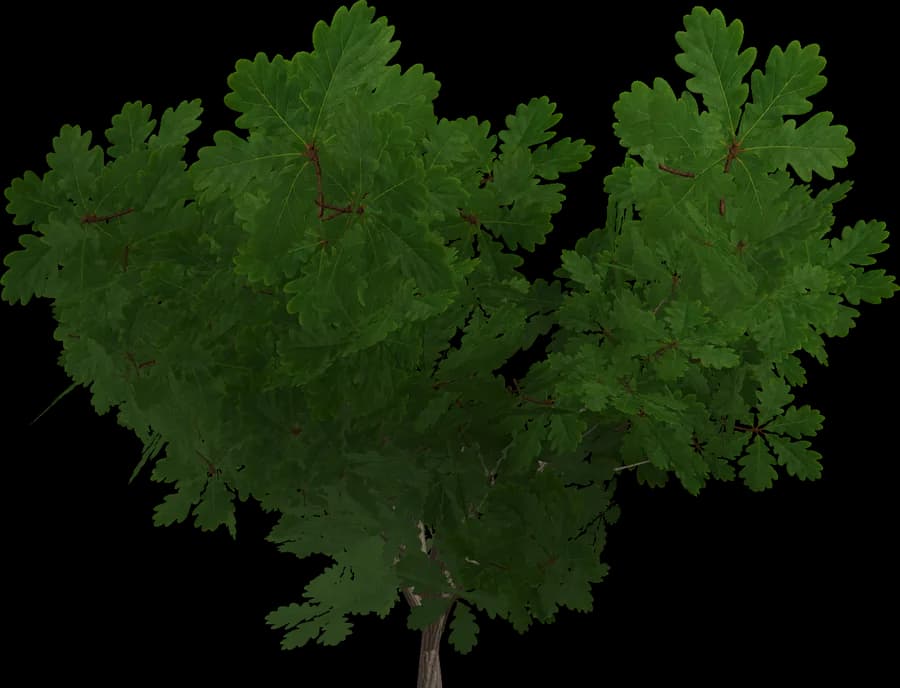
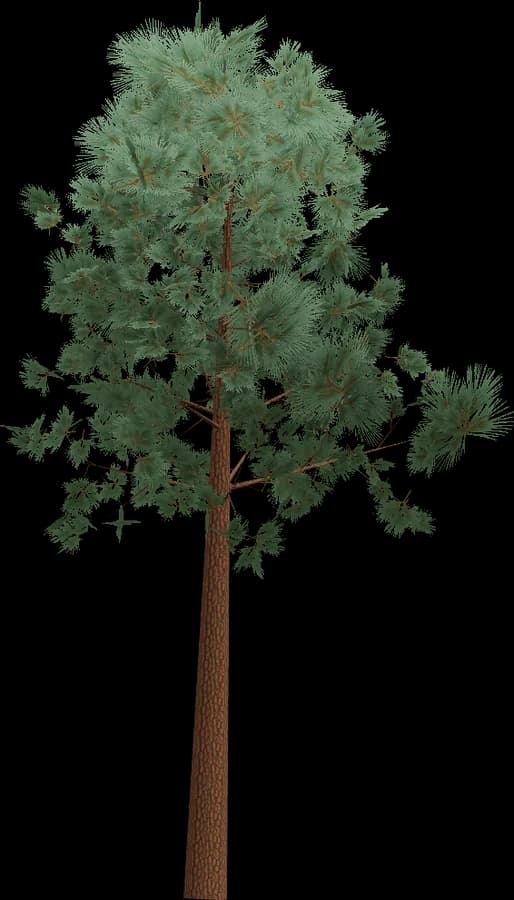
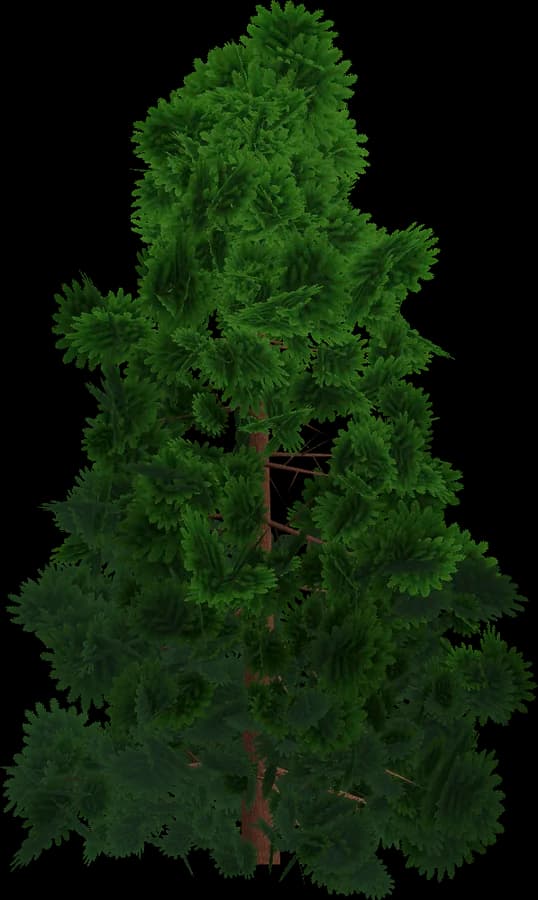
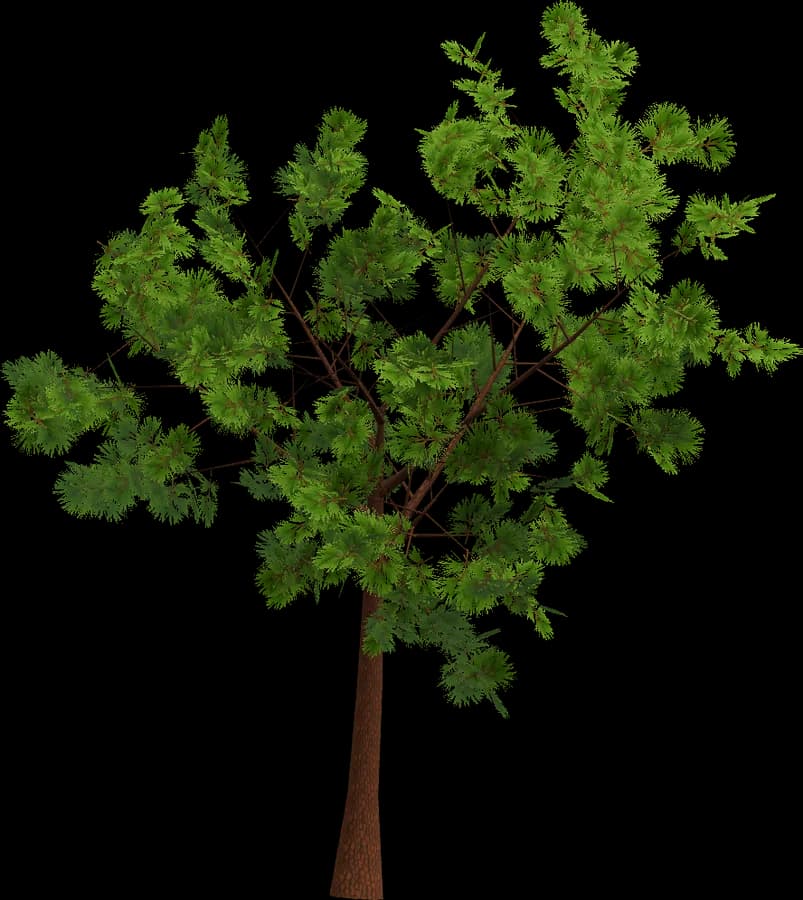
About the Realistic style
Realistic models use the PBR metal/roughness workflow that glTF 2.0, Unity, Unreal, Godot and three.js read directly.
- Bark: base colour, normal and roughness maps on the trunk and branches.
- Leaves: alpha-tested (masked) cards with leaf-cluster textures, not alpha-blended, so they write depth, need no sorting and cast correct shadows.
- Bark and leaves use separate materials, which keeps draw calls predictable and works well with GPU instancing.
- LOD0 is the close-up mesh; LOD1–LOD3 drop branches and leaf cards, so the last level is light enough for far distances.
Best for first- and third-person games, survival, open worlds and simulators on PC and consoles. On mobile, start from LOD1 or LOD2 as the nearest level and watch overdraw from leaf cards.
Using it in Godot
Godot 4 imports GLB/glTF natively — drop the file into the project — and FBX through the built-in ufbx importer (Godot 4.3+).
- Godot generates mesh LODs on import automatically. To use the hand-made LOD0–LOD3 instead, put them in separate MeshInstance3D nodes with Visibility Range Begin/End and a fade mode — Godot's HLOD system.
- Node-name suffixes such as
-color-colonlycreate collision shapes on import; collision can also be set up in Advanced Import Settings. - Leaves: StandardMaterial3D with Transparency = Alpha Scissor and Cull Mode Disabled; glTF alphaMode MASK maps to this automatically.
- For forests, MultiMeshInstance3D draws thousands of copies in one call, and visibility ranges work on it too.