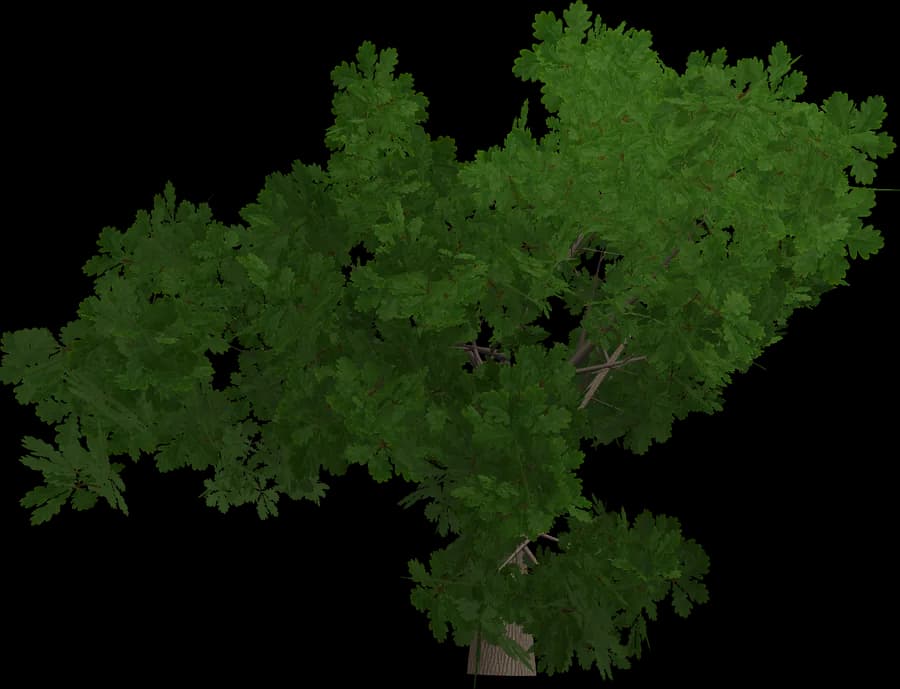
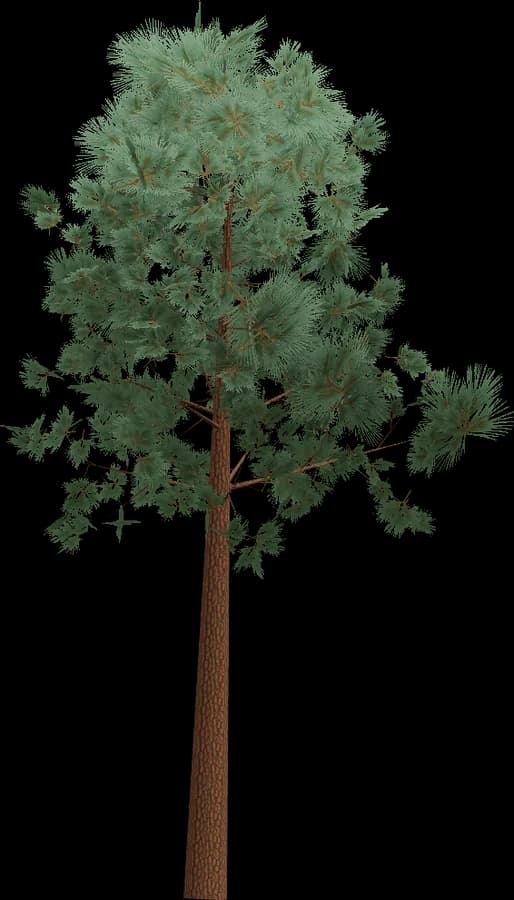
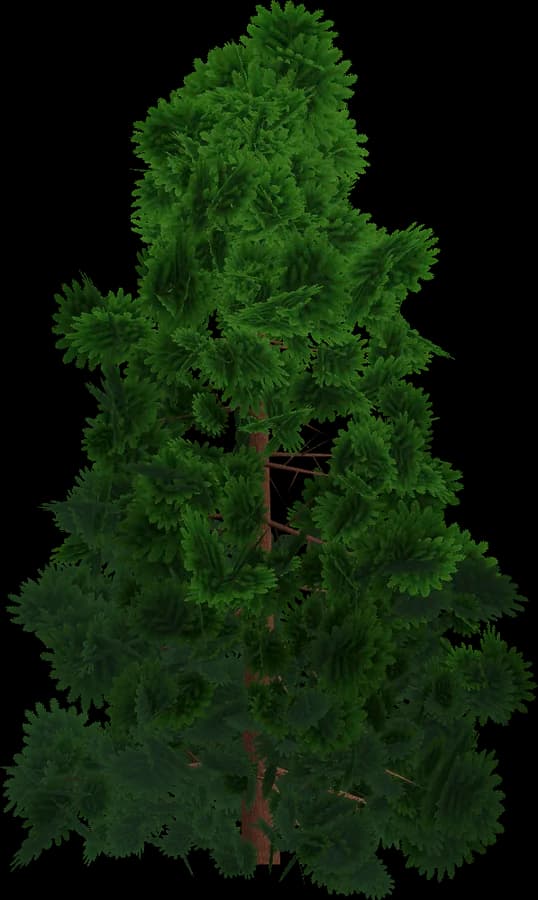
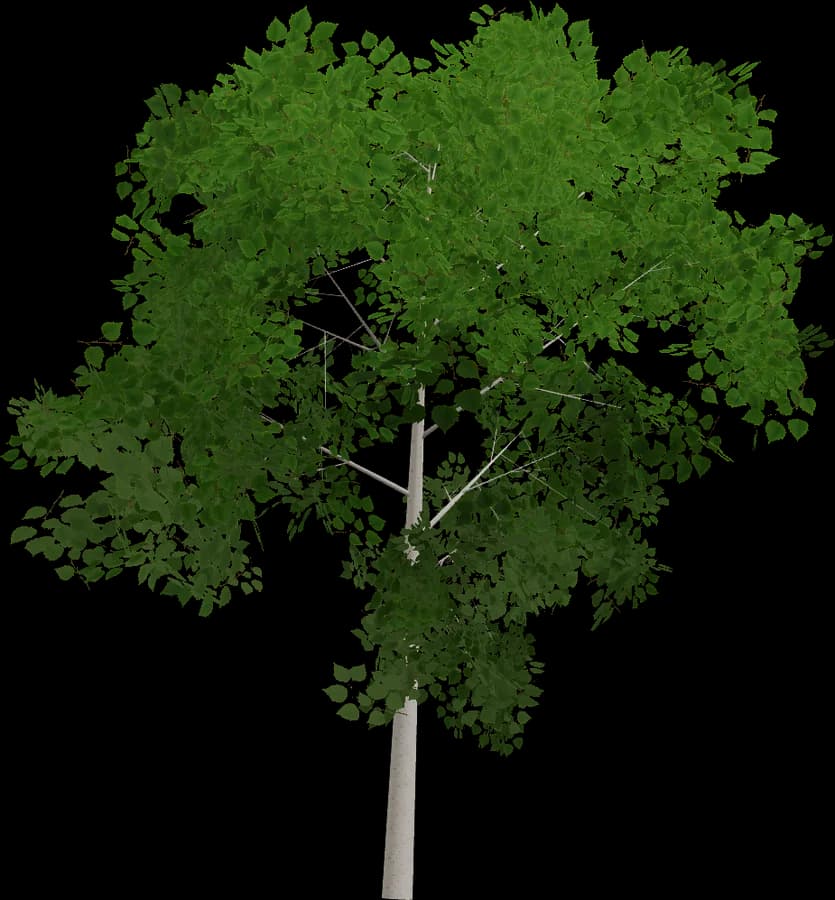
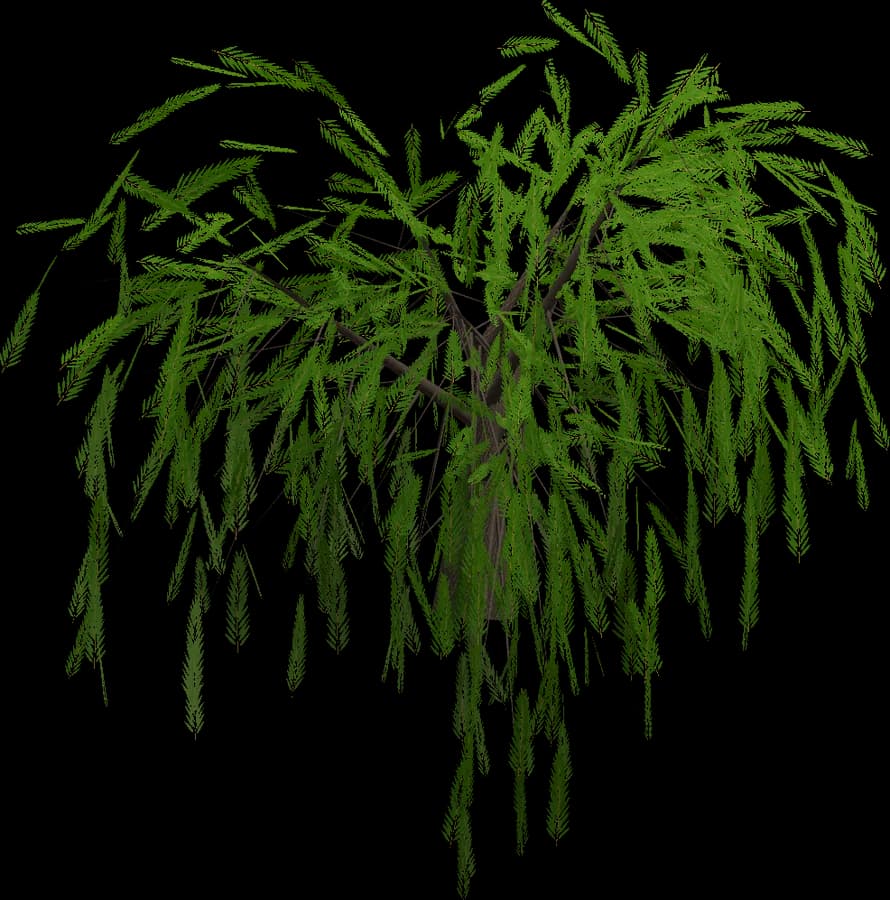
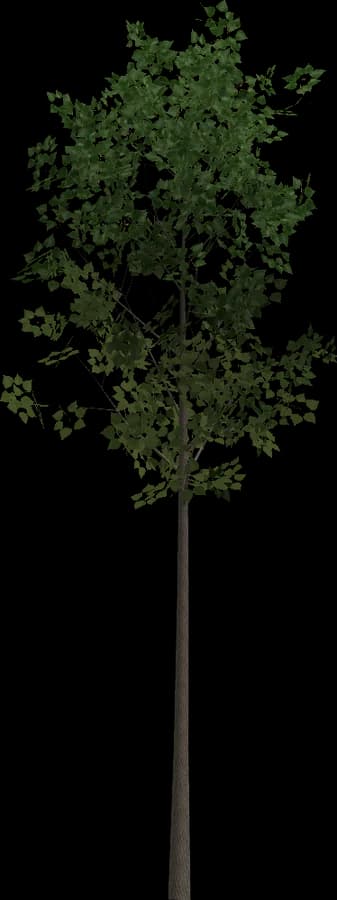
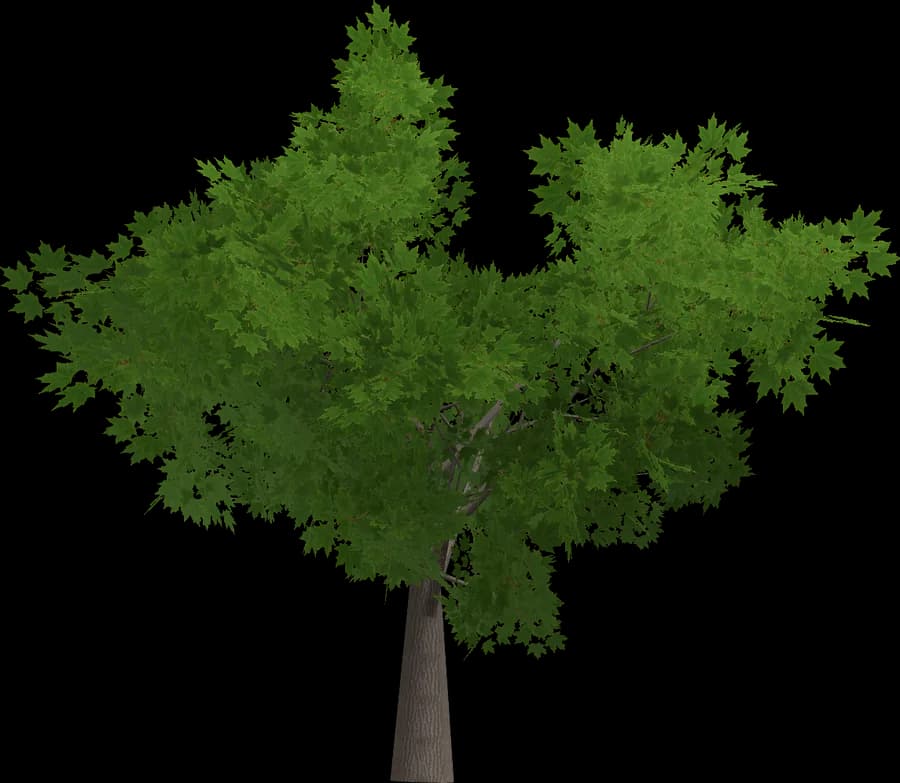
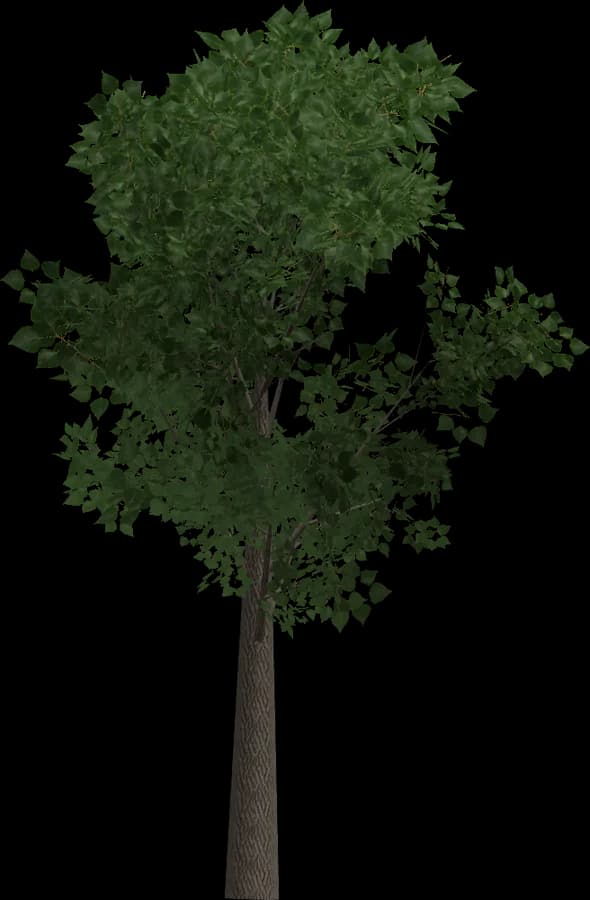
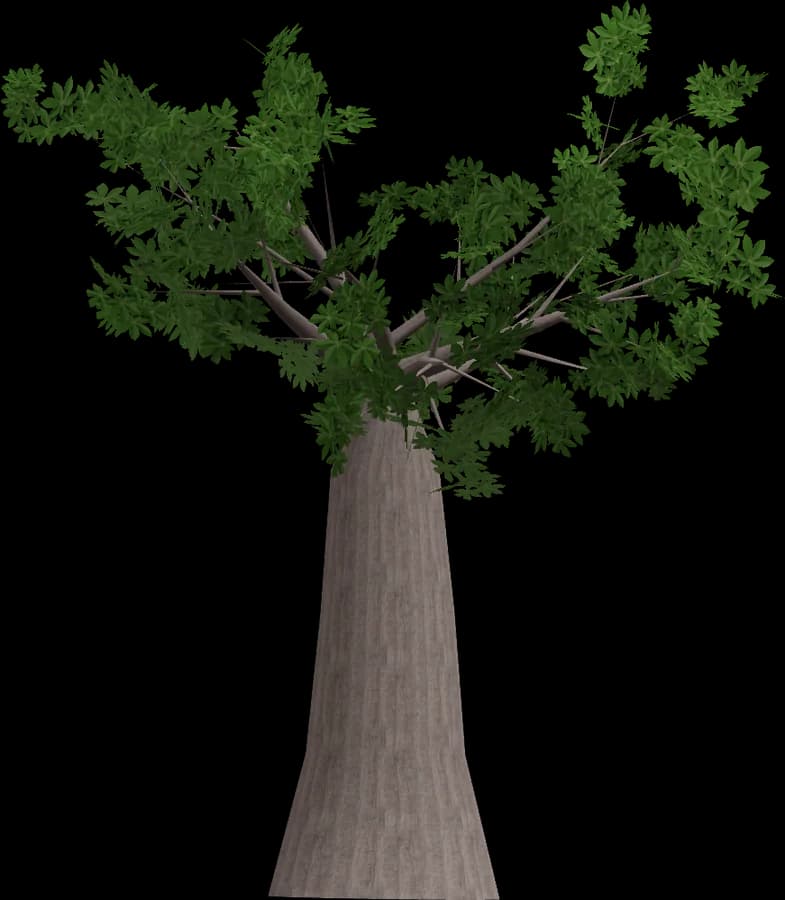
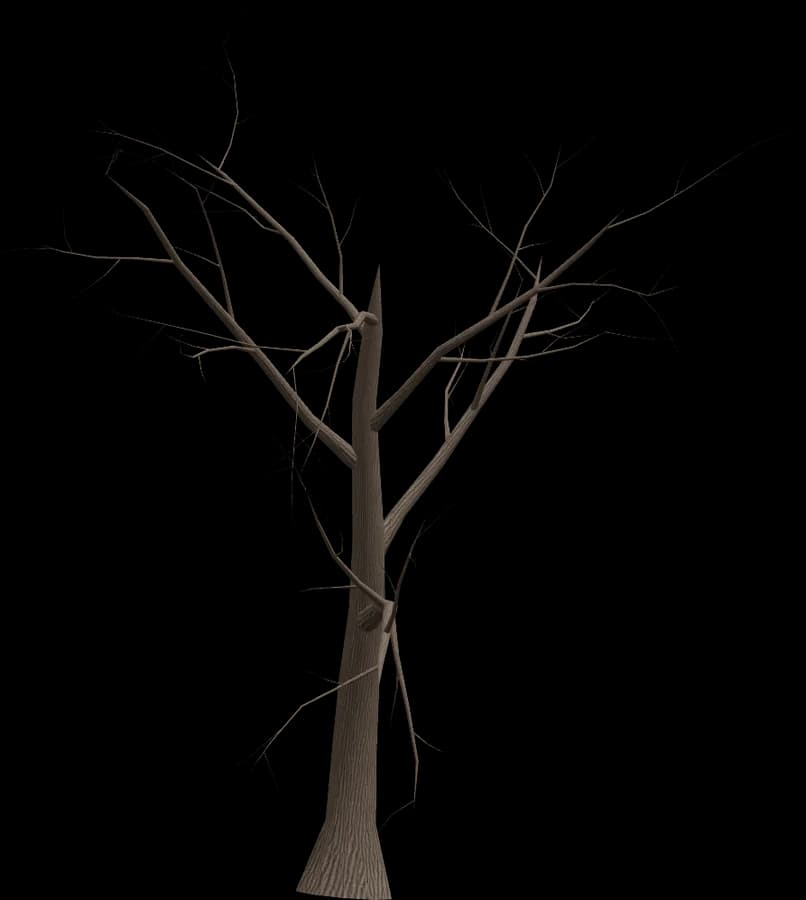
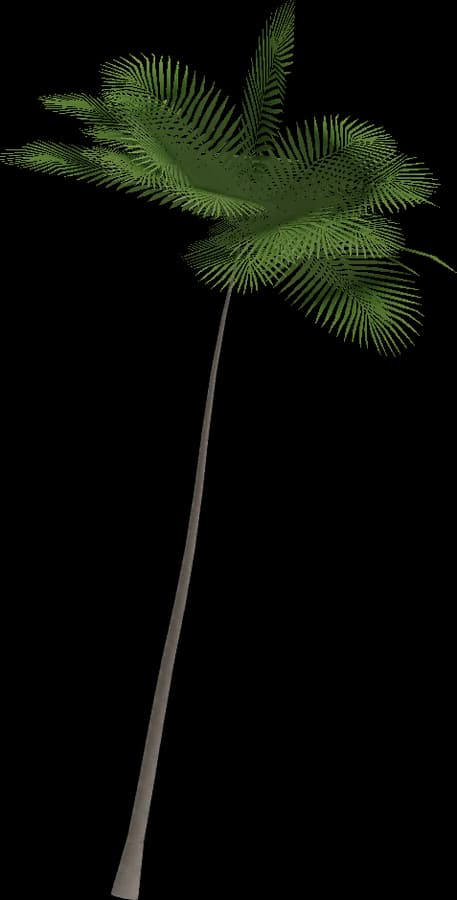
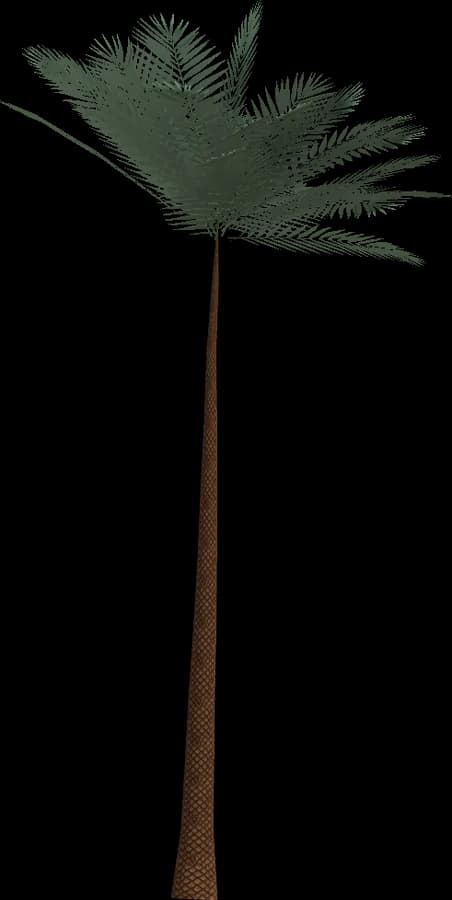
About the Realistic style
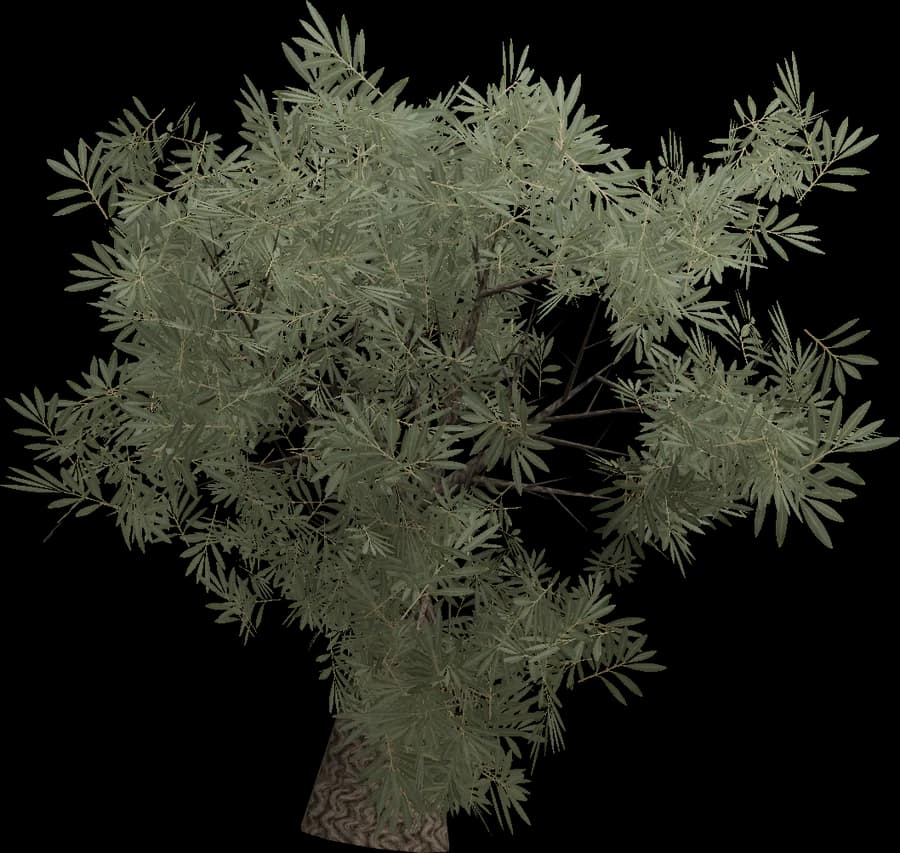
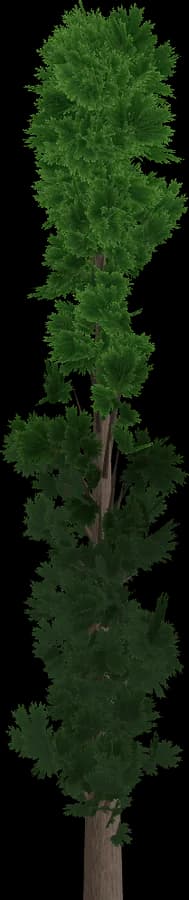
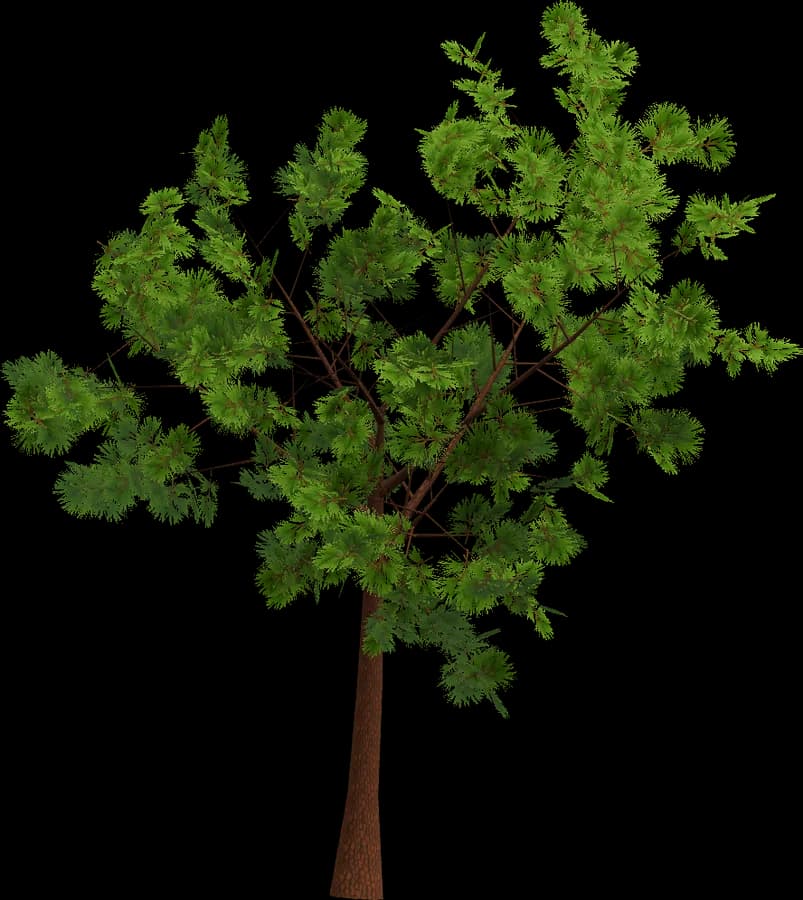
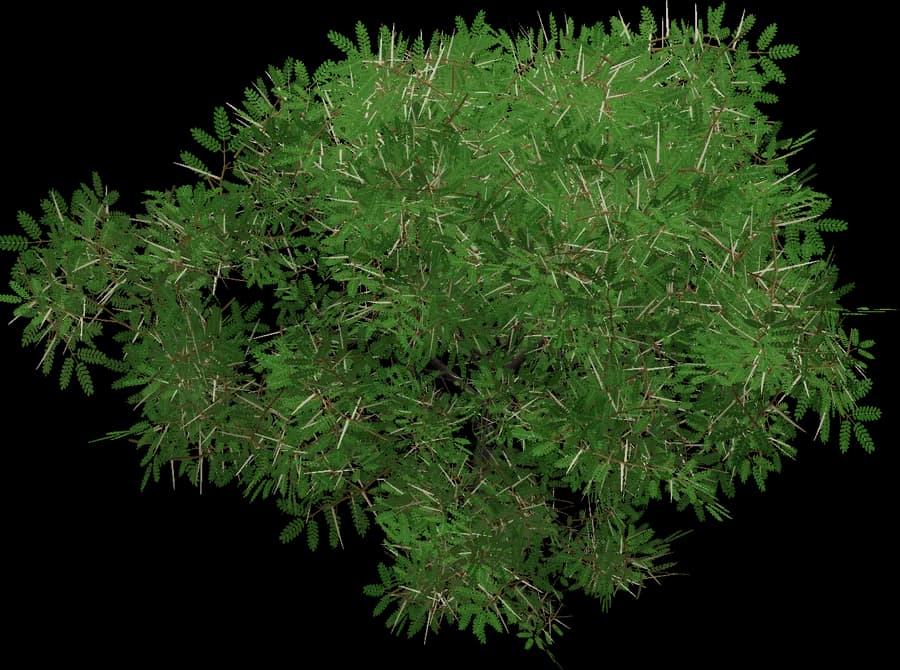
Realistic models use the PBR metal/roughness workflow that glTF 2.0, Unity, Unreal, Godot and three.js read directly.
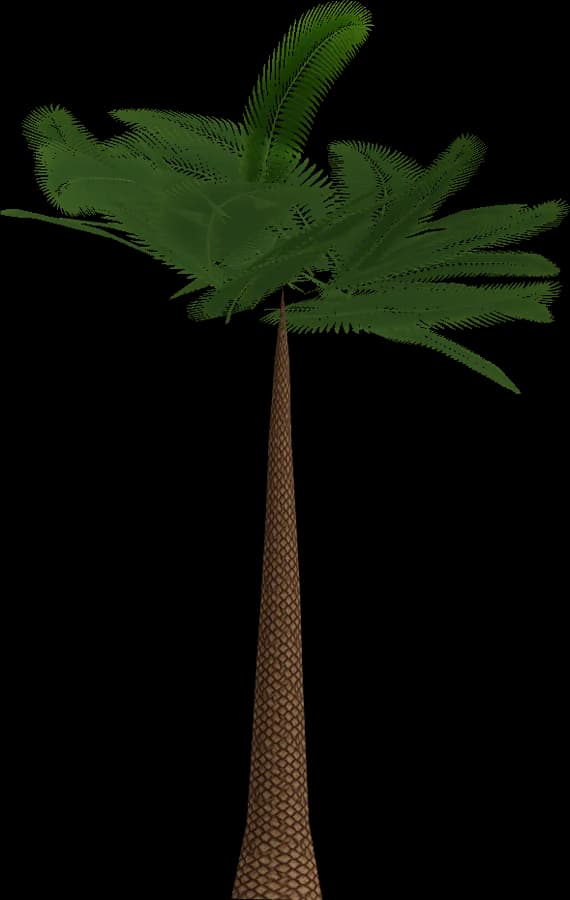
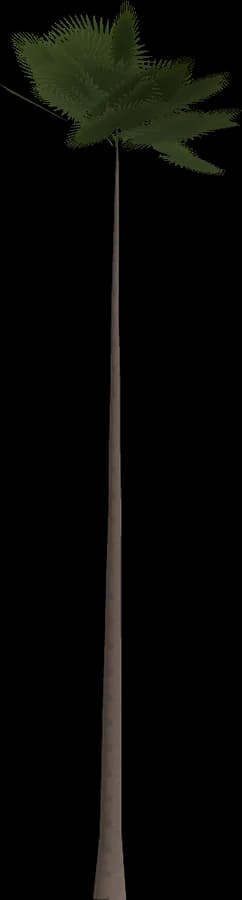
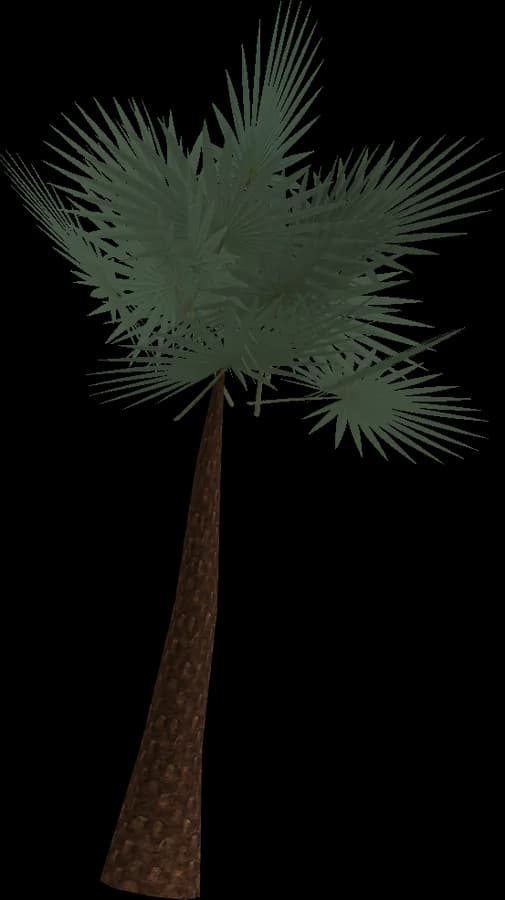
- Bark: base colour, normal and roughness maps on the trunk and branches.
- Leaves: alpha-tested (masked) cards with leaf-cluster textures, not alpha-blended, so they write depth, need no sorting and cast correct shadows.
- Bark and leaves use separate materials, which keeps draw calls predictable and works well with GPU instancing.
- LOD0 is the close-up mesh; LOD1–LOD3 drop branches and leaf cards, so the last level is light enough for far distances.
Best for first- and third-person games, survival, open worlds and simulators on PC and consoles. On mobile, start from LOD1 or LOD2 as the nearest level and watch overdraw from leaf cards.
Using it in Blender
Blender opens GLB/glTF 2.0 with its bundled importer (File → Import → glTF 2.0) and also imports FBX and OBJ.
- glTF materials become Principled BSDF node setups with base colour, normal map and alpha already connected.
- Keep each LOD in its own collection, or hide LOD1–LOD3 while you lay out a scene.
- Scatter with Geometry Nodes: Distribute Points on Faces → Instance on Points, fed by a Collection Info node (Separate Children + Pick Instance) to mix tree variations, plus Random Value for rotation and scale. Instances keep memory low.
- The pivot at the base means instances sit on the ground with no offset.
Use Blender for renders and level layout, or to re-export a scene to another engine.