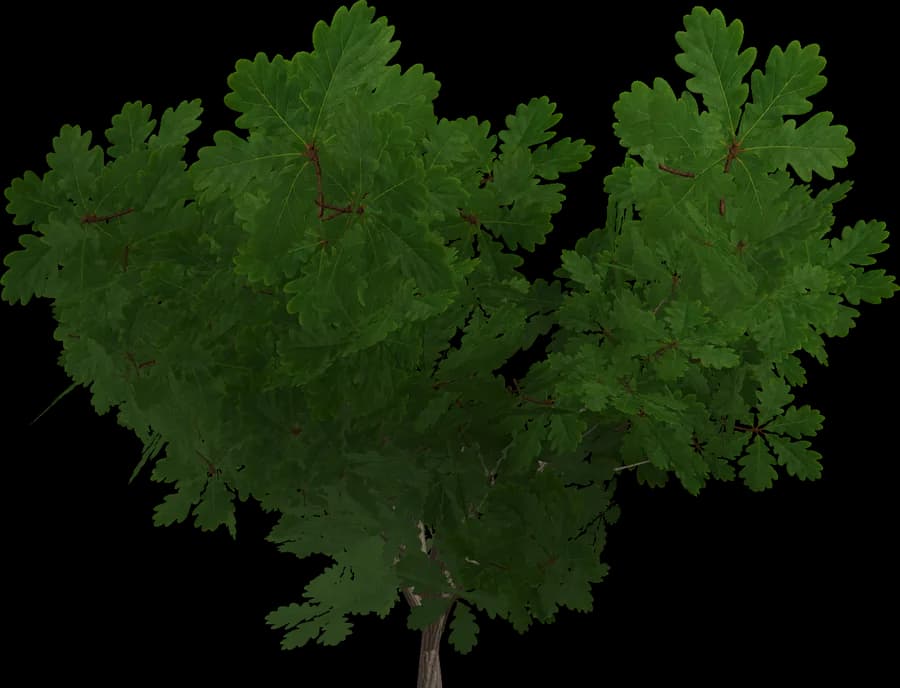
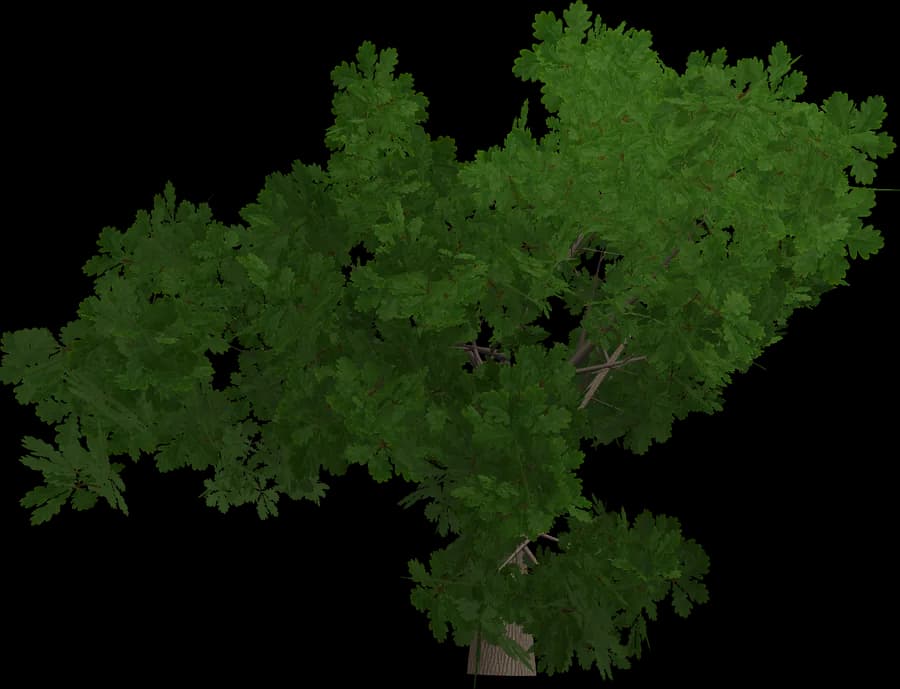
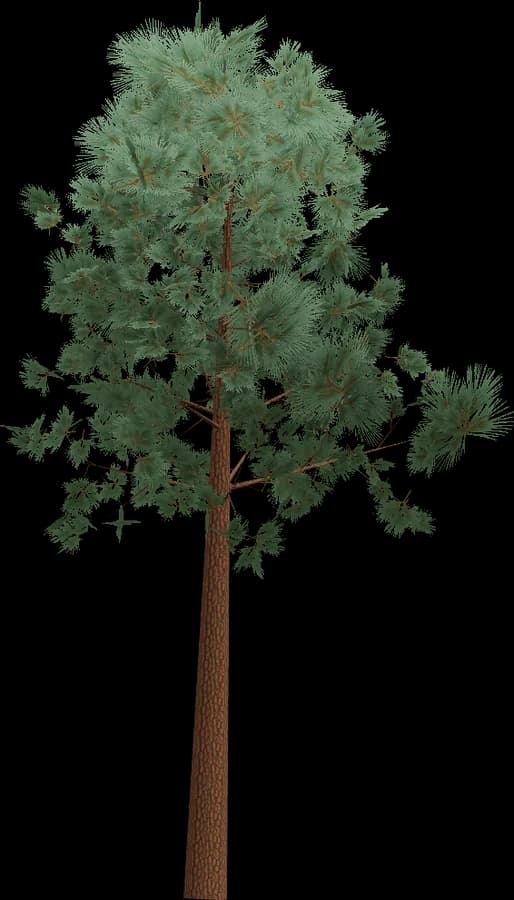
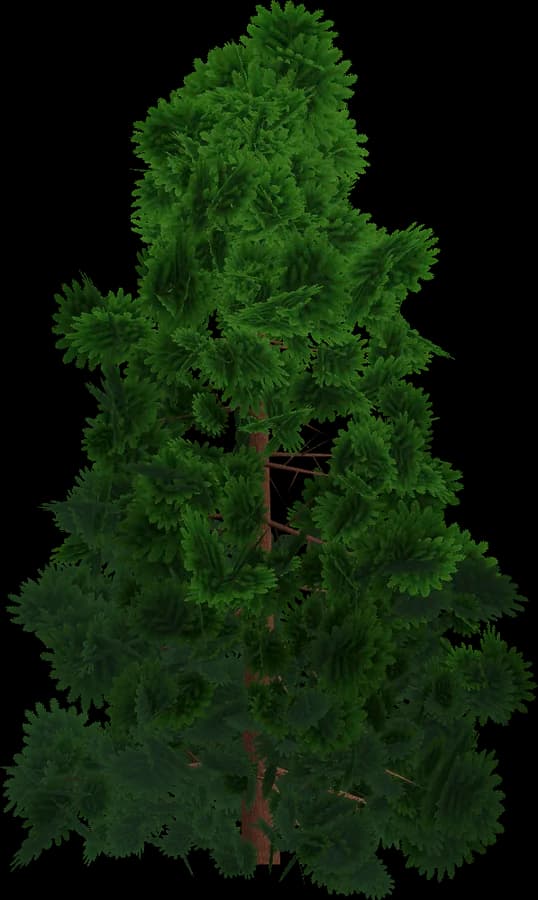
About the Low-poly style
Low-poly vegetation is the cheapest style to render and to ship.
- Flat shading: one normal per face gives the crisp faceted look; no normal maps.
- Colour lives in vertex colours (glTF COLOR_0), so there are no textures, no UV work and almost no video memory.
- Leaves are solid geometry, not alpha cards: no alpha testing and no transparent overdraw, which matters on mobile GPUs.
- One material can be shared by every model in the scene, so trees batch and instance easily.
- Typical budgets range from a few hundred to a couple of thousand triangles at LOD0.
A good fit for mobile, WebGL/WebGPU, VR, strategy, city builders and stylised indie games. In the engine, use a material that multiplies by vertex colour.
Using it in Babylon.js
Babylon.js loads GLB through the glTF loader in @babylonjs/loaders: ImportMeshAsync (or SceneLoader.ImportMeshAsync in older code), or LoadAssetContainerAsync when you need many copies via instantiateModelsToScene.
- LOD:
lod0.addLODLevel(30, lod1),addLODLevel(80, lod2)and so on; passingnullas the mesh hides the object beyond that distance. - Thousands of trees: thin instances (
thinInstanceAddwith matrices) render in one draw call per mesh; use regularcreateInstancewhen each tree needs its own picking or logic. - Leaves: glTF MASK maps to alpha-tested PBRMaterial (
MATERIAL_ALPHATEST). - Collision mesh: set
isVisible = falseand use it withcheckCollisionsor Havok physics (PhysicsAggregatewith a MESH shape).